Sales operations
Leads routed, qualified and followed up automatically — before a competitor even answers.
0


Automation
Custom automation that connects your CRM, ERP, email and calendar — then runs 24/7 without human hand-off.
0 silent failures
847 runs per day
Retry built in
How we automate
Fragile no-code spaghetti breaks the moment a field changes. We build workflows with retries, logging and human checkpoints where stakes are real.
Why it matters
Every business accumulates invisible tax: the quote re-typed into the CRM, the invoice data copied into a spreadsheet, the report rebuilt by hand every Monday, the follow-up that didn't happen because someone was busy. None of it shows up on an invoice — but it's the most expensive software you run.
Business automation here starts by mapping that tax, ranking it by hours lost and error risk, then removing it workflow by workflow — wired into the tools you already use, monitored in production, and owned by someone accountable. Not fragile no-code spaghetti that breaks the moment a field name changes.
Who this is for
Leads routed, qualified and followed up automatically — before a competitor even answers.
Invoices, documents and reports generated and filed without a human touching them.
Small teams that need the output of a much bigger one, without hiring purely for admin.
Services
From a single painful workflow to a fully connected operation.
Your own automation hub — integrations, webhooks and scheduled jobs.
AI workflows, chatbots and assistants built for measurable output.
Lead routing, follow-up sequences and pipeline hygiene on autopilot.
Documents, approvals and reporting flowing without manual entry.
Chatbots, internal assistants and private AI workflows.
Automatisation des processus pour les entreprises marocaines.
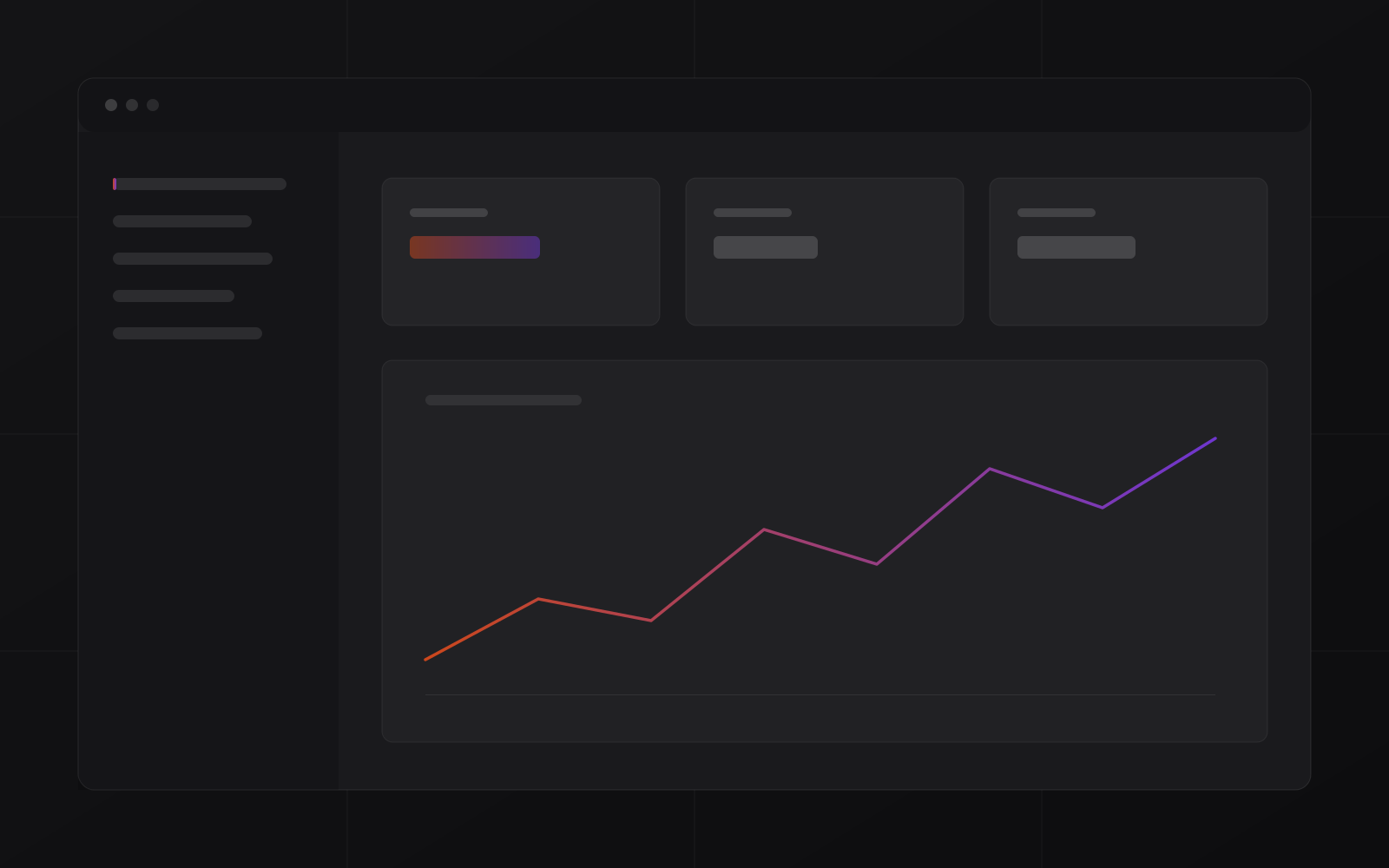
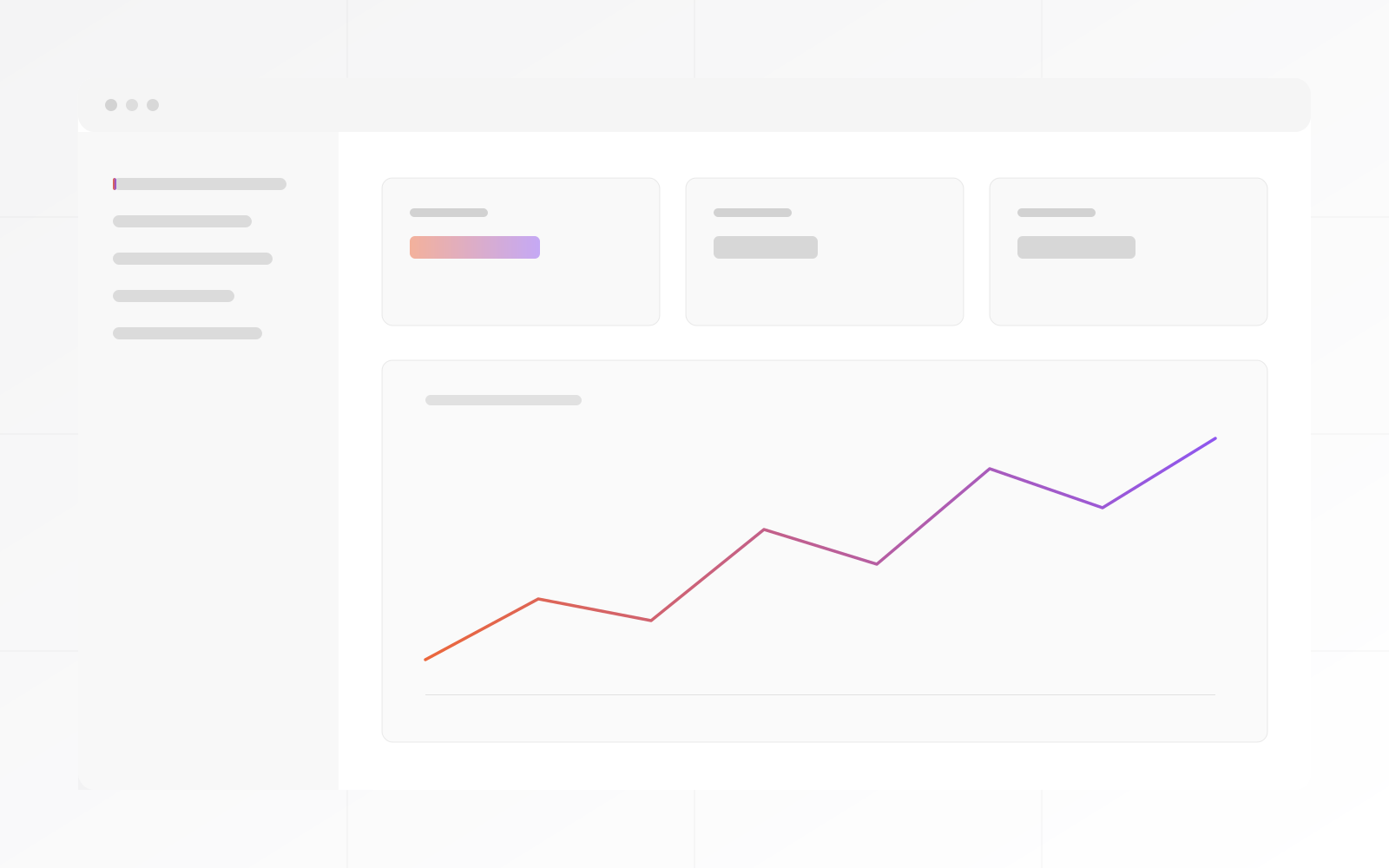
Flow canvas
Automation is built visually on a canvas: a trigger fires, a branch routes by condition, an action sends the email or updates the record. No code. The canvas runs in production from the moment it's saved.
Run log
No silent failures. Every automation run is timestamped and logged. Transient errors retry with backoff. Repeated failures alert you. High-value decisions escalate to a human before acting — then log the outcome.
Process
A short, focused engagement that delivers working automation — not a requirements document.
Audit the manual work that repeats. Find the 3 flows with the highest return.
First automations live in week one — real running flows, not demos.
CRM, ERP, email and calendar connected. Data flows between them cleanly.
Where AI makes the automation smarter — routing, drafting, scoring.
Run log live, alerts configured. You see every run, retry and escalation.
The stack behind every flow — from simple routing to AI-augmented decisions.
Proof
Three workflows that used to need a human every time — and no longer do.
A 6-person management consultancy, closing deals in a competitive market where speed signals professionalism.
A consultancy was losing deals to slower manual follow-up. After automating the sequence, they reply before competitors have opened their laptops.
Problem
After a meeting or inquiry, follow-up was manual. Reps would send a note 'when they remembered'. Competitors with automated sequences were consistently faster.
Solution
Trigger: new lead in CRM. Sequence: personalised intro email in 4 minutes, reminder after 48h, proposal follow-up on day 5, closing question on day 8. All conditional on reply status.
Outcome
A 20-person services company, invoicing 200+ clients monthly, with an accountant doing it manually.
An accounting team was manually downloading, renaming and filing 200 invoices a month. The automation runs the whole workflow in the background.
Problem
Invoices were generated in ERP, downloaded, renamed by client and date, emailed individually, then filed in a shared folder — a 2-day monthly task.
Solution
Automation trigger: invoice marked 'ready' in ERP. Flow: auto-generates PDF, names by client-date-ref schema, sends personalised email, files in client folder, logs sent status back to ERP record.
Outcome
A distribution company with a 4-person management team, requiring a weekly ops summary every Monday.
An operations manager spent every Monday morning compiling a weekly summary from three systems. The automation now writes it, sends it, and logs it — before 7 AM.
Problem
Every Monday, the ops manager spent 90 minutes pulling stock levels, sales figures and outstanding invoices from three separate systems to compile one report email.
Solution
Cron trigger: Sunday 23:00. Flow: queries ERP for week's sales, stock movements and outstanding invoices. Composes summary in a consistent template. Sends to management team at 07:00 Monday. Logs run.
Outcome
Compare
What you get when automation is built — not assembled from drag-and-drop templates.
| Capability | MrZaKaRiA Automation | No-code DIY (Zapier-class) | Manual work |
|---|---|---|---|
| Retry on failure | ✓ with backoff | Limited | N/A |
| Human escalation step | ✓ | No | Always human |
| Connects to your ERP/CRM | ✓ native | Via API add-on | Copy-paste |
| Monthly task cost | Zero (runs free) | 100–2 000 MAD/mo | Staff time |
| AI-augmented routing | ✓ | Basic only | None |
| Monitored & alerting | ✓ full log | Basic | Errors invisible |
Automation that holds.
What teams say once the flows are running:
"The Monday report used to own my mornings. Now it's in the inbox before I sit down. Same quality, zero effort. That's the whole story."

"I was the human glue between three systems. Copy from ERP, paste to CRM, send the email. Now the flow does it and I check the log. That's the job."

"I tried Zapier. It worked until it didn't and I never knew why. Here the run log tells me exactly what happened — and if it retried and succeeded I don't even need to look."

"200 invoices a month, manually. Now I check the log Friday afternoon and make sure it ran. Two days of work became 40 minutes of verification."

FAQ
What operations leaders ask before automating.
Lead routing, follow-up emails, CRM and ERP data entry, report generation, document workflows, notifications, scheduled jobs — most of the repetitive admin that quietly eats hours between your apps.
CRMs, ERPs, web forms, email, WhatsApp, payment providers, spreadsheets and anything with an API or webhooks — including the systems MrZaKaRiA builds and hosts, which integrate natively.
Where it earns its place: drafting replies, classifying incoming requests, extracting data from documents and powering internal assistants — always with human checkpoints wherever the stakes are real.
Every workflow ships with logging and a simple dashboard: what ran, what failed, what it saved. Automation you can't observe is a liability, not an asset.
Failures alert a human and retry where safe. Nothing fails silently — the whole point is to remove work, not to add a new category of invisible risk.
Map
A short working session that ends with a ranked list of exactly what to automate first — and what each one is worth in hours.