Flow builder
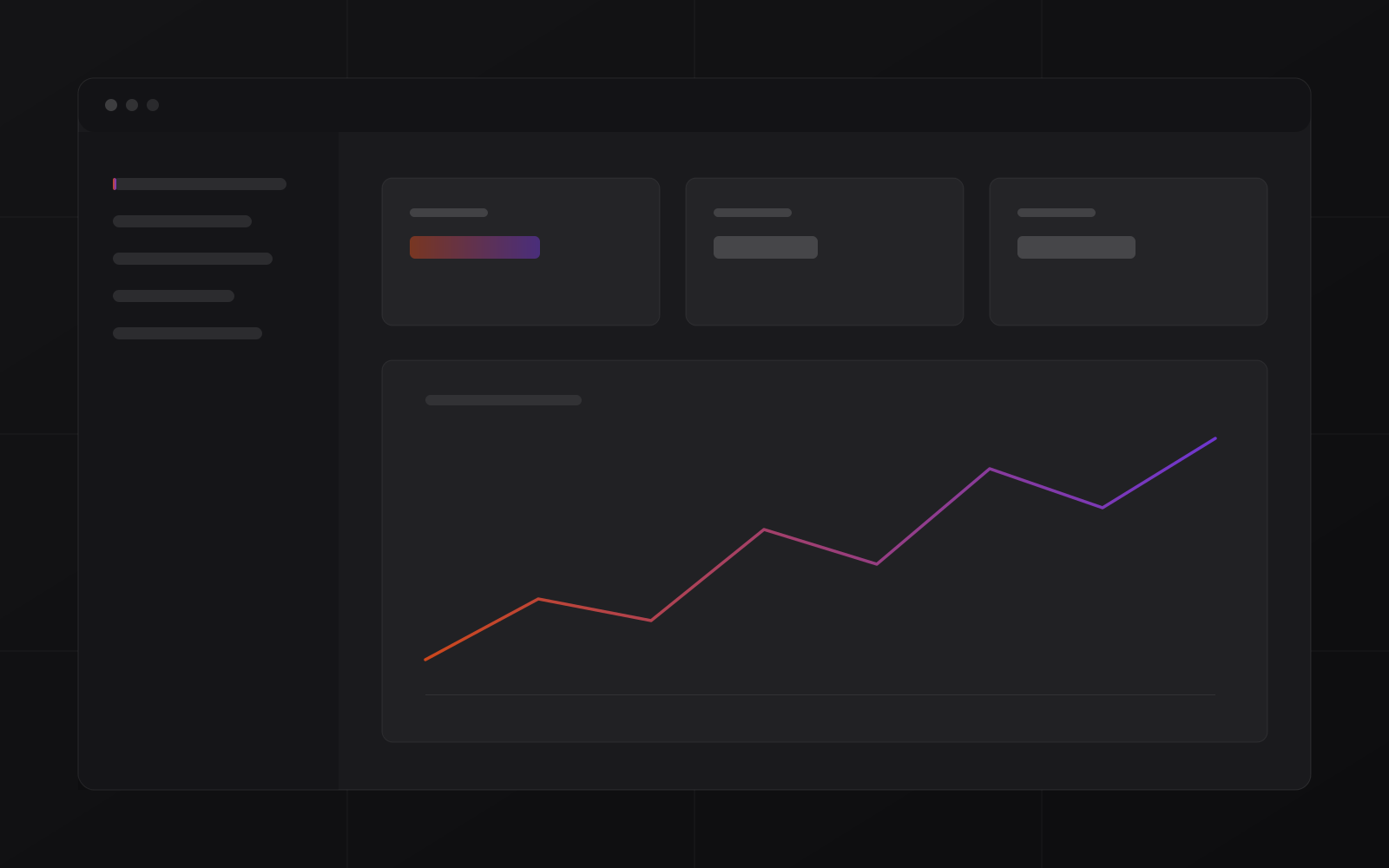
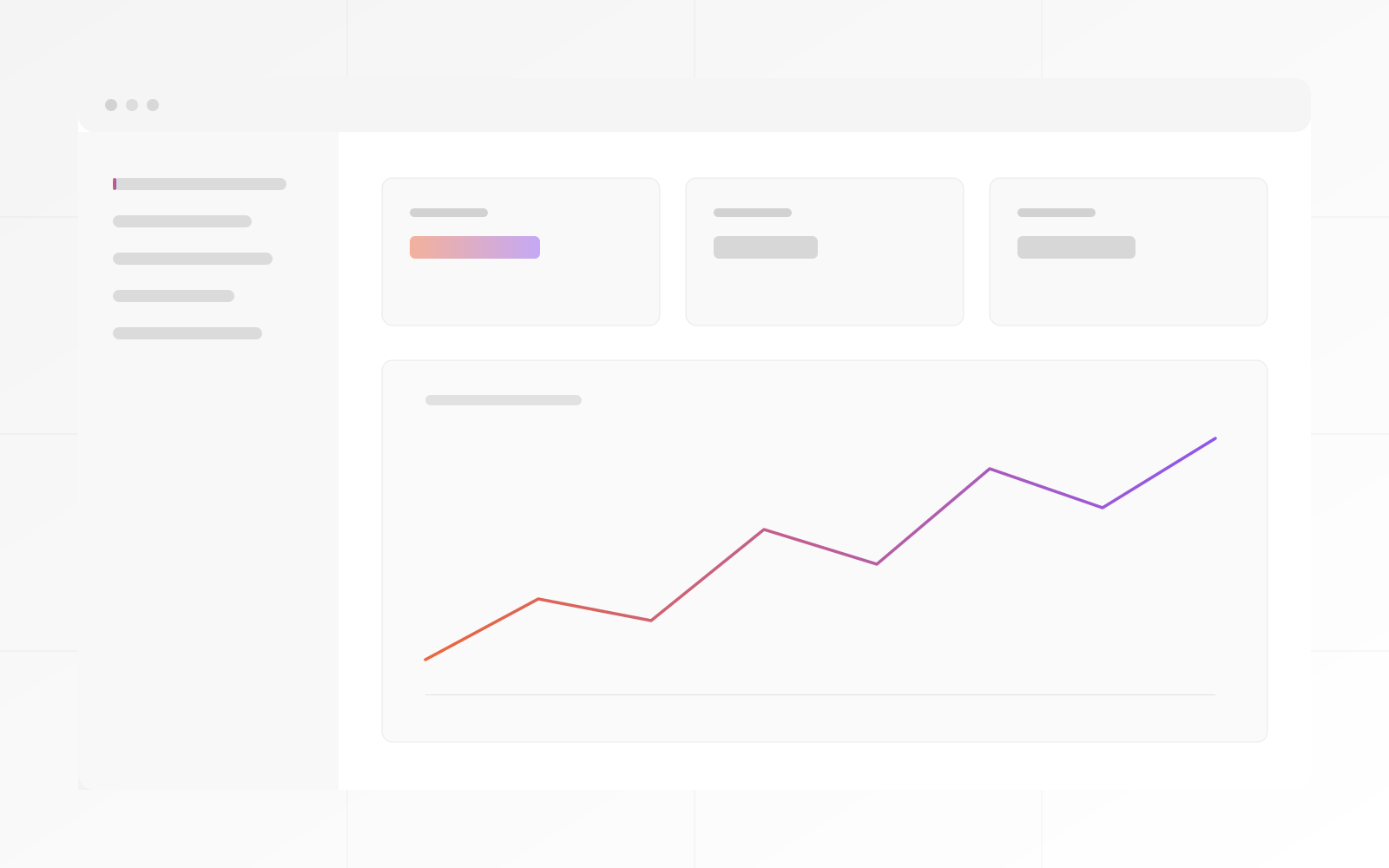
Visual canvas for triggers, conditions, actions and branches.
0
Business Automation
Business Automation connects your apps, forms, CRM, ERP, emails, webhooks and AI tools into automated workflows — deployed as your own instance, customized, secured and fully observable.
Every workflow run logged. Status, duration and output visible for every execution.
Failed steps retry automatically. Persistent failures escalate to a human — nothing silently drops.
Approve, reject or redirect from any workflow. Automation runs the routine; humans handle the exceptions.
What Business Automation solves
Business Automation is deployed for teams that have hit the ceiling of manual process — email routing, CRM updates, ERP events, form submissions — and need workflows that run reliably, are observable and stop cleanly when something unexpected happens.
The difference
Make.com and Zapier are great for simple automations. They struggle with volume, observability and recovery. When a step fails, you find out when something downstream is wrong — days later.
Business Automation is deployed as your own instance with a full run log: every execution, every step, every output. Retries are automatic. Escalation is configured. Human checkpoints stop the automation and wait for a decision. Nothing drops silently.
Module overview
Visual canvas for triggers, conditions, actions and branches.
Every execution logged: step-by-step status, duration and output.
Forms, CRM, ERP, email, spreadsheets, webhooks and AI models.
Route, classify, draft and update using AI wired into your flows.
Pause flows for approval or redirect. Resume on human decision.
Escalate failures, SLA breaches and anomalies to the right person.
Services
Included as standard.
Your identified automations built, tested and running before handover.
Forms, CRM, ERP, email and any API-accessible tool wired in at deployment.
Failure escalation, retry counts and human checkpoint paths configured.
Full observability from day one — every workflow visible by your team.
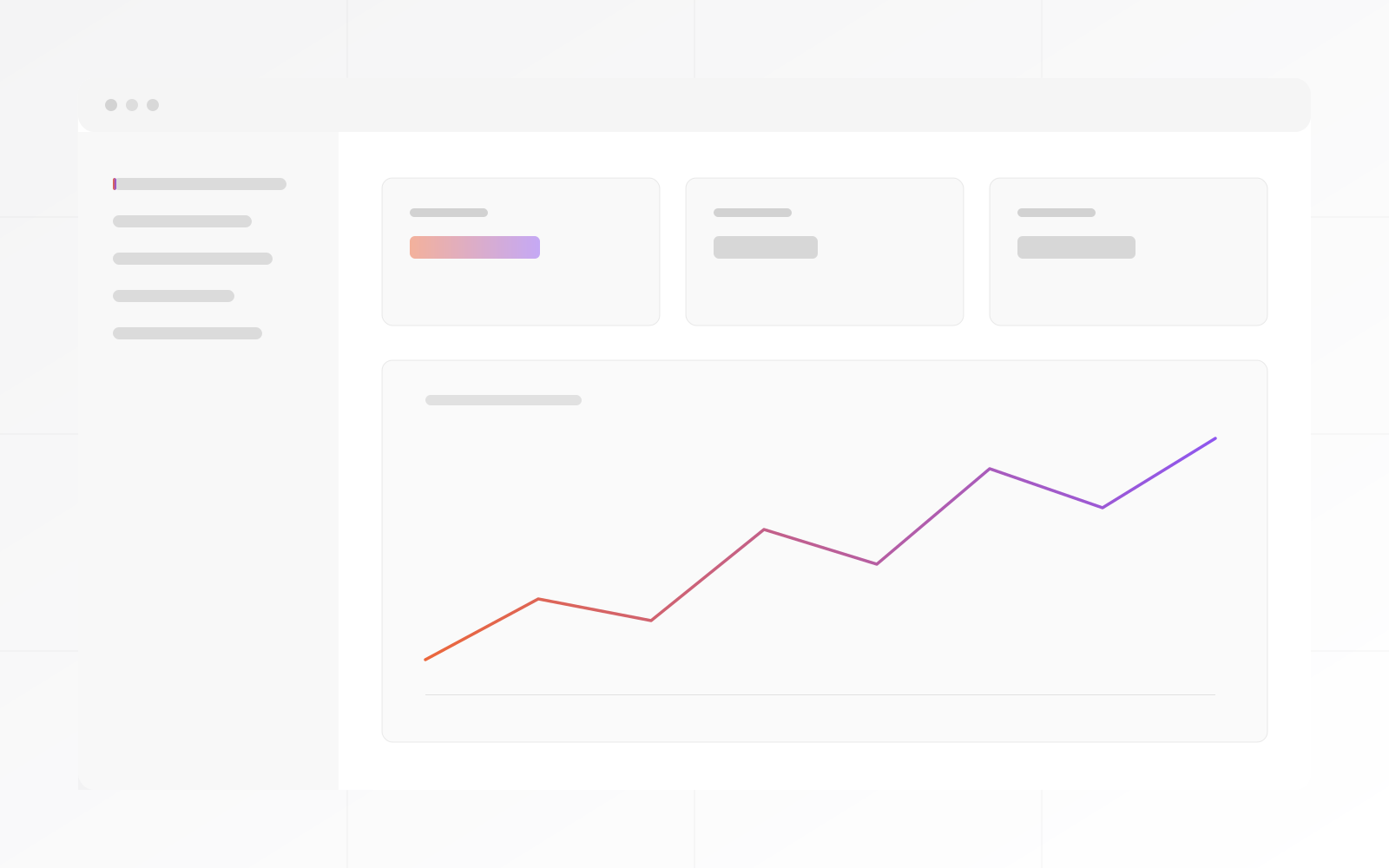
The run log
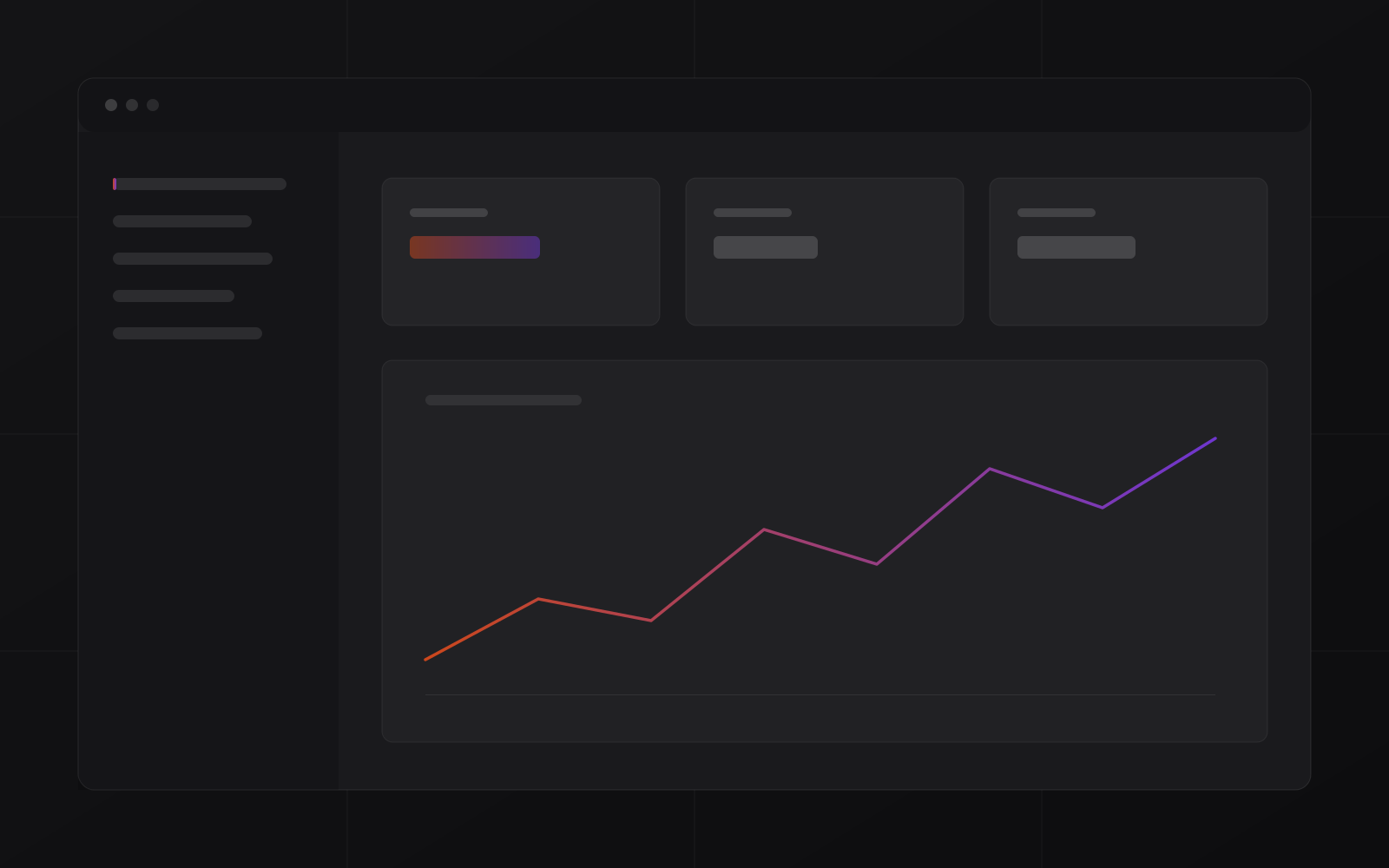
The run log shows every workflow execution: step-by-step status, duration, input and output. Failed runs restart from the point of failure — no data lost.
Your screenshots here
Canvas slots reserved for your actual Business Automation screenshots — swappable in the builder.
Process
The Business Automation deployment playbook — from manual process to observable flows.
Manual processes, app stack, integration points and automation candidates identified in one session.
Priority flows mapped: triggers, conditions, actions, human checkpoints and failure paths.
Flows built, tested against real data and iterated before go-live.
Flows active, team trained on the run log and alert management.
Hosting, platform updates and support. You monitor the business outcomes.
The capabilities that matter for reliable production automation.
Proof
Anonymized patterns from real Business Automation deployments.
Logistics company
Cross-linked from /ai: AI agents classify incoming emails, extract structured data and create ERP records automatically. 2,140 runs in one week without a failed step.
Problem
Incoming freight requests arrived by email. Each email was read by a person, the data extracted manually and entered into the ERP. 4 hours per day on email processing.
Solution
Business Automation AI agent reads the email, extracts freight details, validates and creates the ERP record. Human checkpoint fires for anomalies only.
Outcome
Services firm
A services firm's highest-volume week generated 2,140 automation runs across 23 active flows. Zero failures. The run log showed every step.
Problem
Peak business periods overwhelmed the manual process. Temporary staff hired to handle volume spikes. Quality inconsistent under pressure.
Solution
Business Automation handled the peak volume automatically. All 23 flows ran without intervention. The operations lead monitored the run log instead of managing a temp team.
Outcome
Operations team
A team whose automation silently failed for days moved to Business Automation. Failures now escalate to a named person within 15 minutes — with full context attached.
Problem
Previous automation platform failed silently. Team discovered problems when downstream work was missing, often days later. Recovery required manual reconstruction.
Solution
Business Automation configured with escalation rules: retry 3 times, alert within 15 minutes of persistent failure, human checkpoint provides full step trace for immediate diagnosis.
Outcome
Compare
Observable, recoverable, owned.
| Capability | Business Automation | Make.com / Zapier | Custom dev |
|---|---|---|---|
| Full run log with step trace | ✓ | Partial | ✓ |
| Retry & failure escalation | ✓ | Partial | ✓ |
| Human checkpoint in flows | ✓ | — | ✓ |
| AI agents on your data | ✓ | Partial | ✓ |
| You own the deployment | ✓ | — | ✓ |
| No usage-based billing | ✓ | — | — |
from automation operators.
What operations leads, founders and IT managers say:
"The run log alone was worth the deployment. We know what every automation did, when, and what it produced. Silent failures are gone."

"The retry logic and escalation rules were what I needed. Previous platforms failed quietly. Business Automation alerts me within 15 minutes with the full step trace attached."

"We were paying per task on a hosted platform. Volume was unpredictable, so the bill was unpredictable. Fixed cost, our own instance — budget is predictable now."

"The human checkpoint feature is exactly right. Automation handles the routine; exceptions reach a person with full context. My team reviews decisions, not inboxes."

FAQ
What operations leaders ask before a demo.
A proven workflow-automation foundation, deployed as your own instance, customized and secured by MrZaKaRiA — with the operations discipline to actually run it in production.
Web forms, email, CRM, ERP, payment tools, spreadsheets, webhooks and anything with an API — including AI models for drafting, classification and routing.
Failed steps retry automatically (configurable count). Persistent failures escalate to a named person with the full step trace attached. Nothing drops silently — every failure is visible in the run log.
Make and Zapier are excellent for simple, low-volume automations. Business Automation is for production use: full observability, retry logic, failure escalation, human checkpoints and your own isolated instance without usage-based billing.
No. Flows are built on a visual canvas. MrZaKaRiA builds the initial flows during deployment. Your team manages and monitors them from the run log. Developer access is available for custom integrations.
Discovery call → process audit → first flows live in 2 weeks.