Provisioning
A minimal Ubuntu or Debian base with users, hostname and timezone, sized to the workload.

0
Linux server management
Linux server management for businesses: setup, hardening, monitoring and backups for cloud, on-premise and hybrid servers, with a written runbook and Docker deployments you can roll back. We run it for you, or hand it over cleanly.
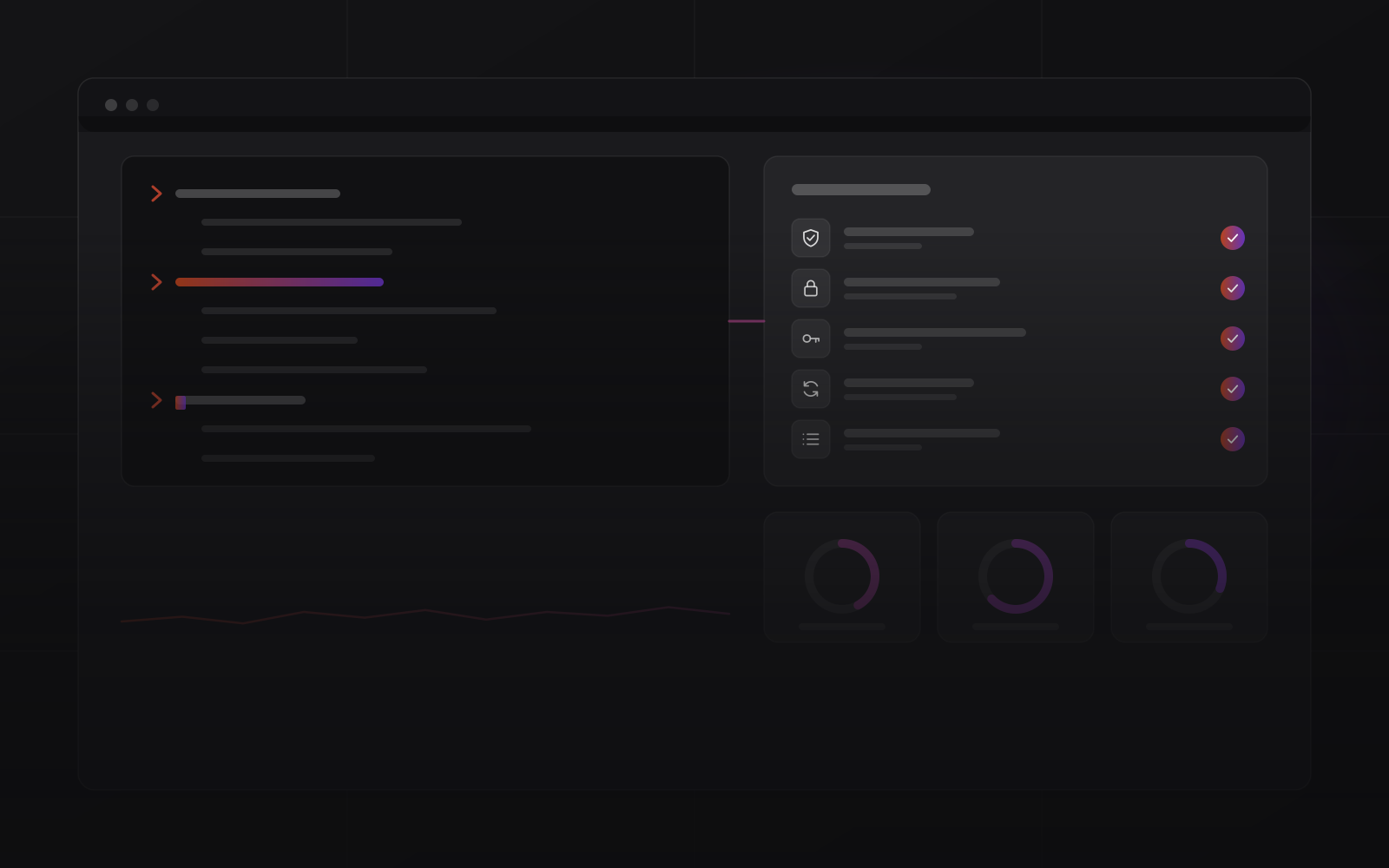
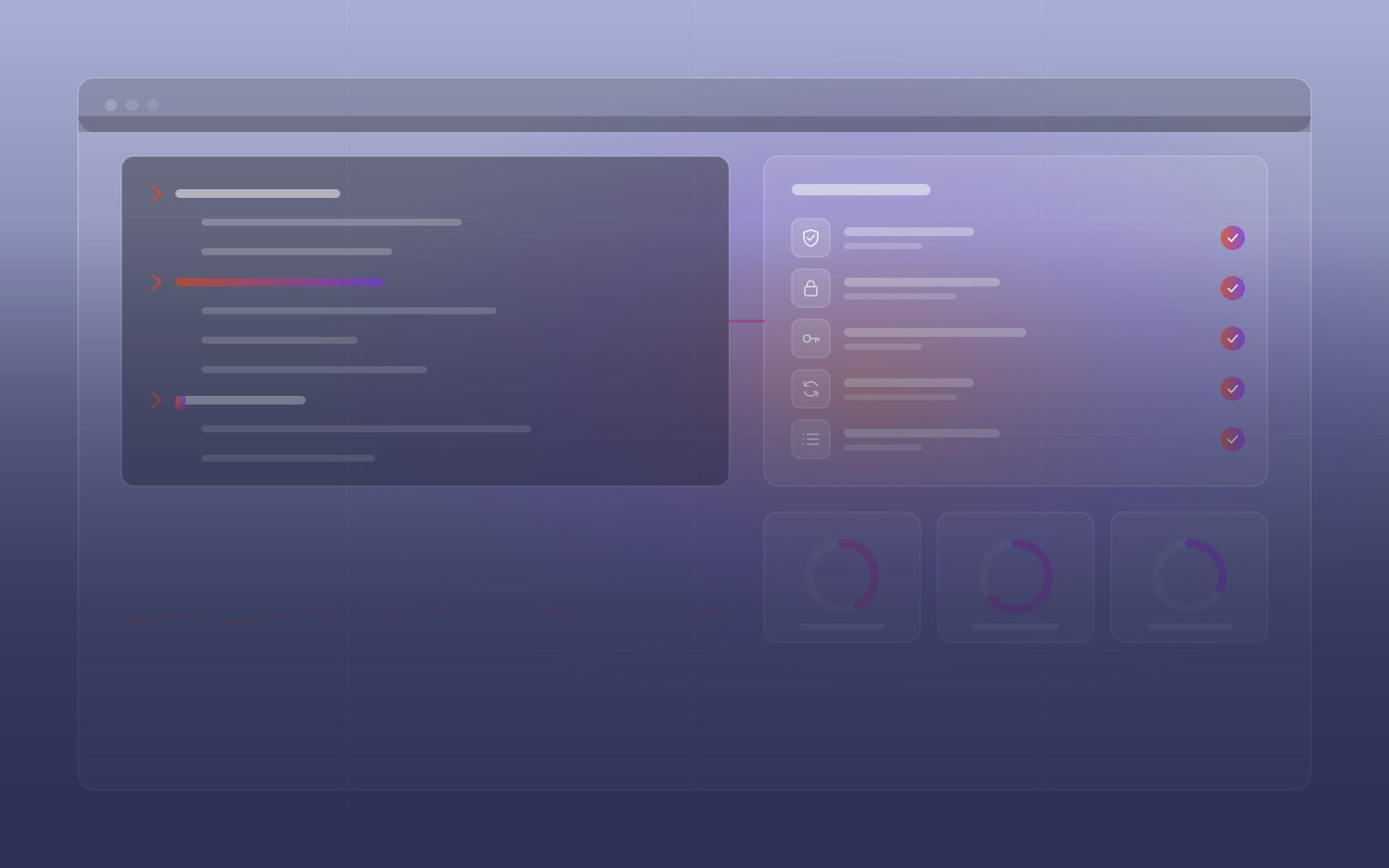
Firewall, key-only SSH, brute-force blocking and automatic security updates before anything goes live.
A runbook for every server, so recovery does not depend on one person's memory.
Docker deployments come with a rollback, so a bad release stays a small problem.
How we operate
A fresh Linux server ships with default settings and more exposure than you want. We harden it from the first boot, record every decision and set up Docker deployments with a rollback.
The difference
A snowflake server is one that only its builder can operate. Its configuration lives in someone's memory, there is no runbook, and recovery starts with a phone call. Most small-business servers are snowflakes.
Linux server management turns that around. We build servers from recorded steps, document every service and script every deploy. The runbook means recovery never waits for one specific engineer.
The standard is the same for cloud VPS, office servers and NAS boxes. To reach an office server with no open ports, read our guide to remote access without a static IP. For hosted sites, see managed web hosting.
What server management covers
A minimal Ubuntu or Debian base with users, hostname and timezone, sized to the workload.
UFW firewall, key-only SSH, fail2ban, unattended upgrades and audit logs.
Containers with health checks and a rollback path.
CPU, memory, disk, network, process health and SSL expiry, with alerts before limits are hit.
Each service documented: what it does, how to restart it and how to recover it.
Office servers and NAS boxes managed to the same standard as a cloud VPS.
Services
Standards that apply wherever the server lives.
Applied and verified before the server goes live.
Applications containerised with Compose. Deploys and rollbacks are scripted.
Services, restart steps and recovery steps, kept up to date.
System and application metrics watched, with alerts before users notice.
Hardening
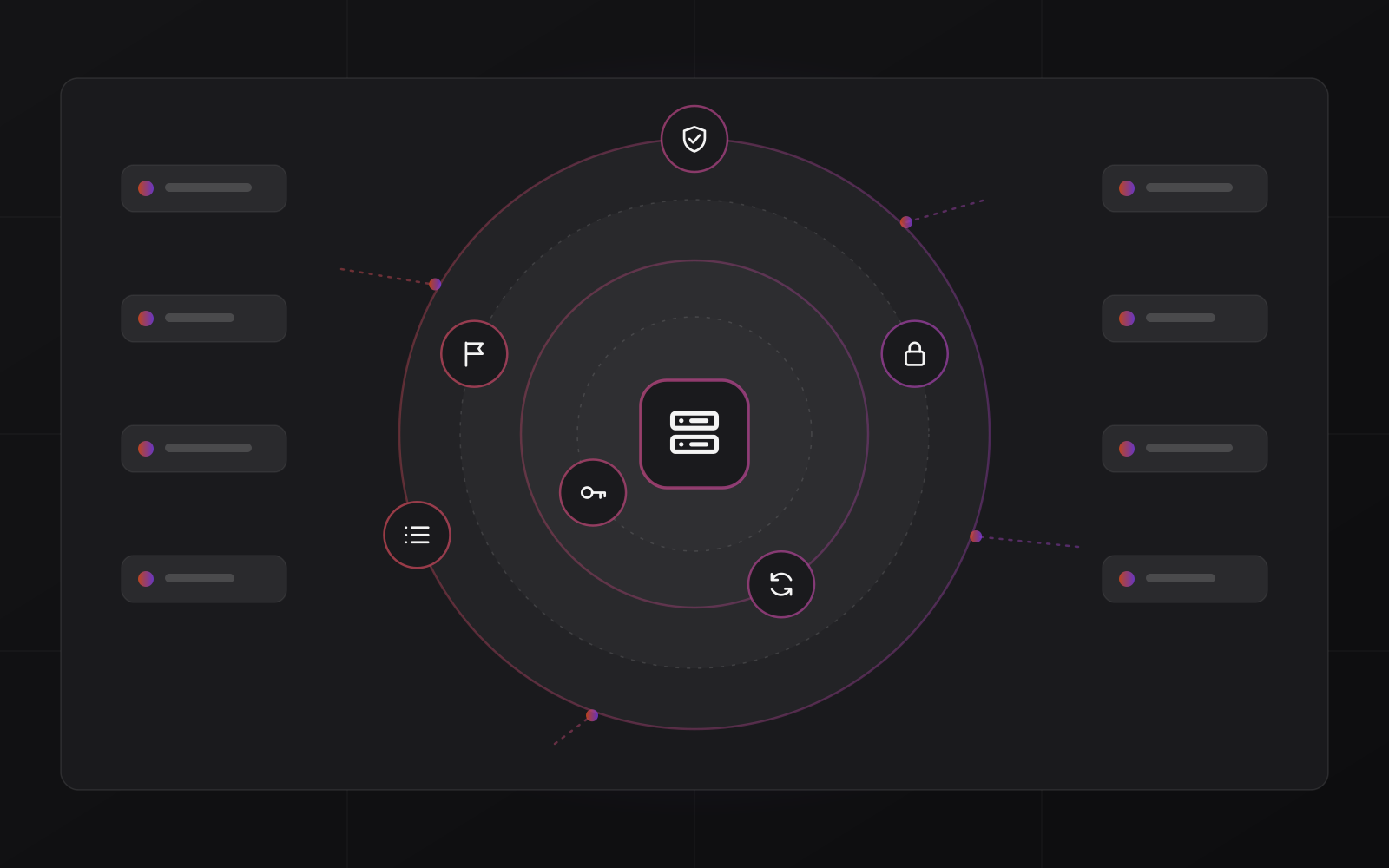
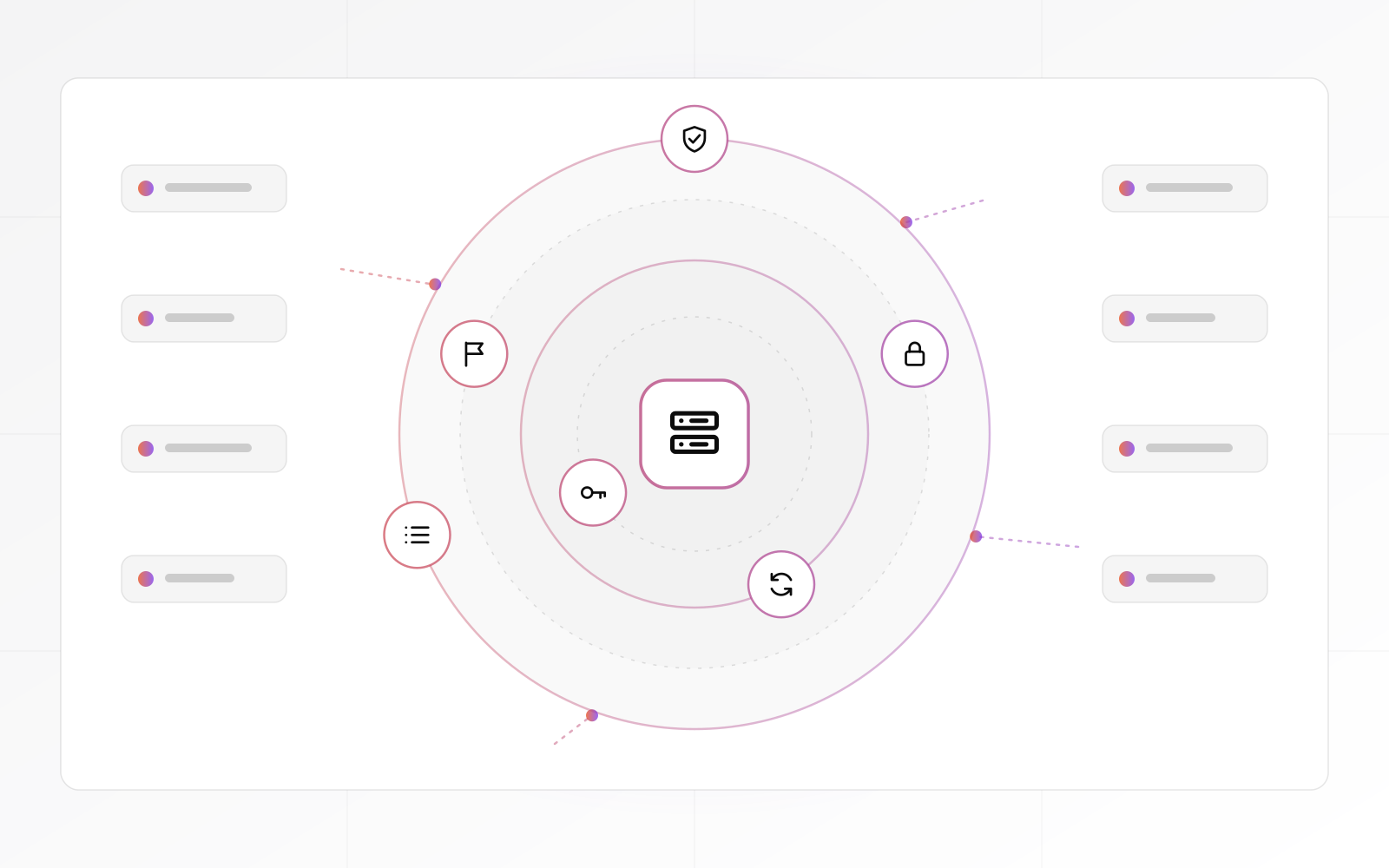
Every server is hardened in sequence before anything goes live: firewall, brute-force protection, automatic updates, key-only SSH and audit logs. We verify each layer against a checklist.
Monitoring
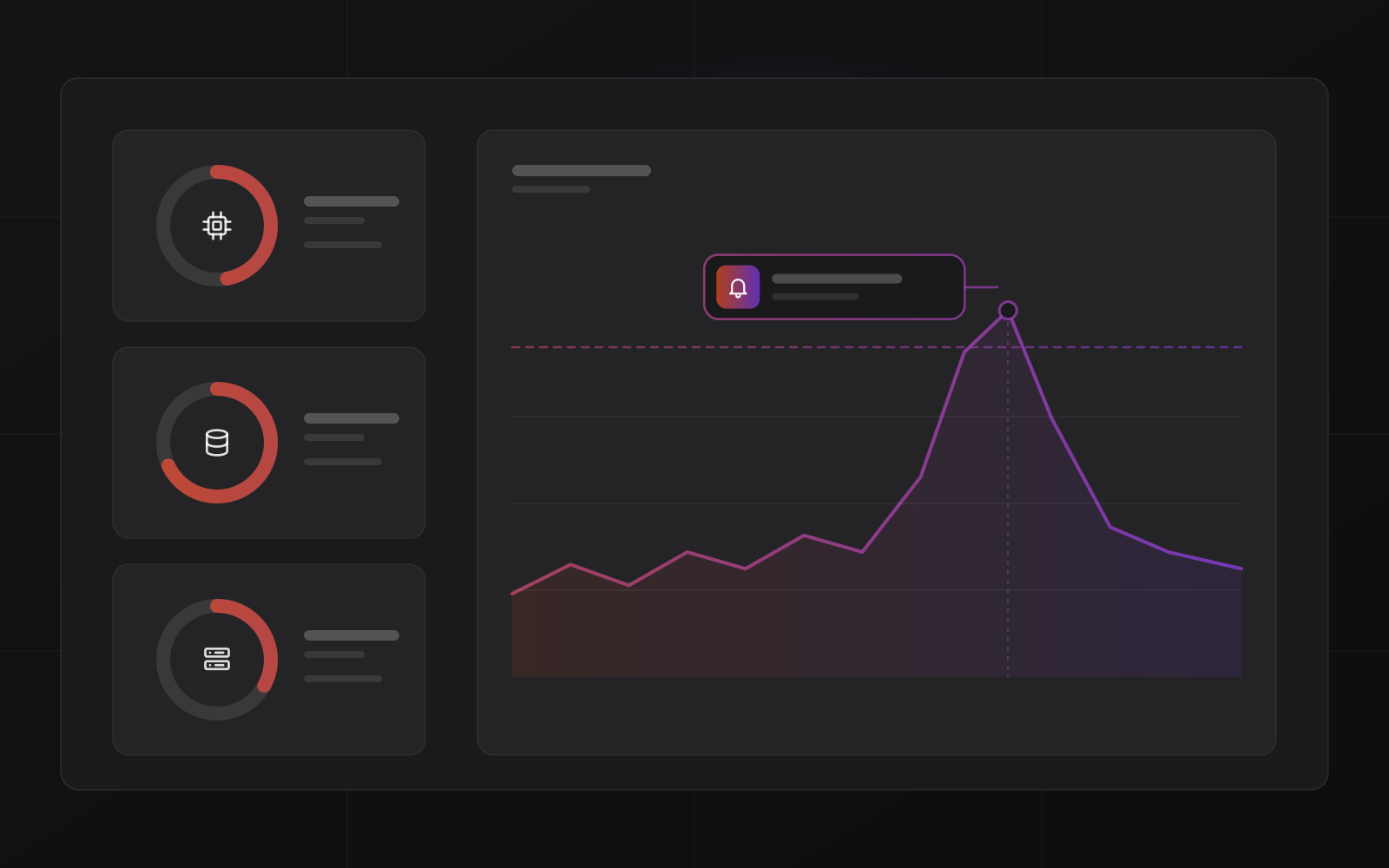
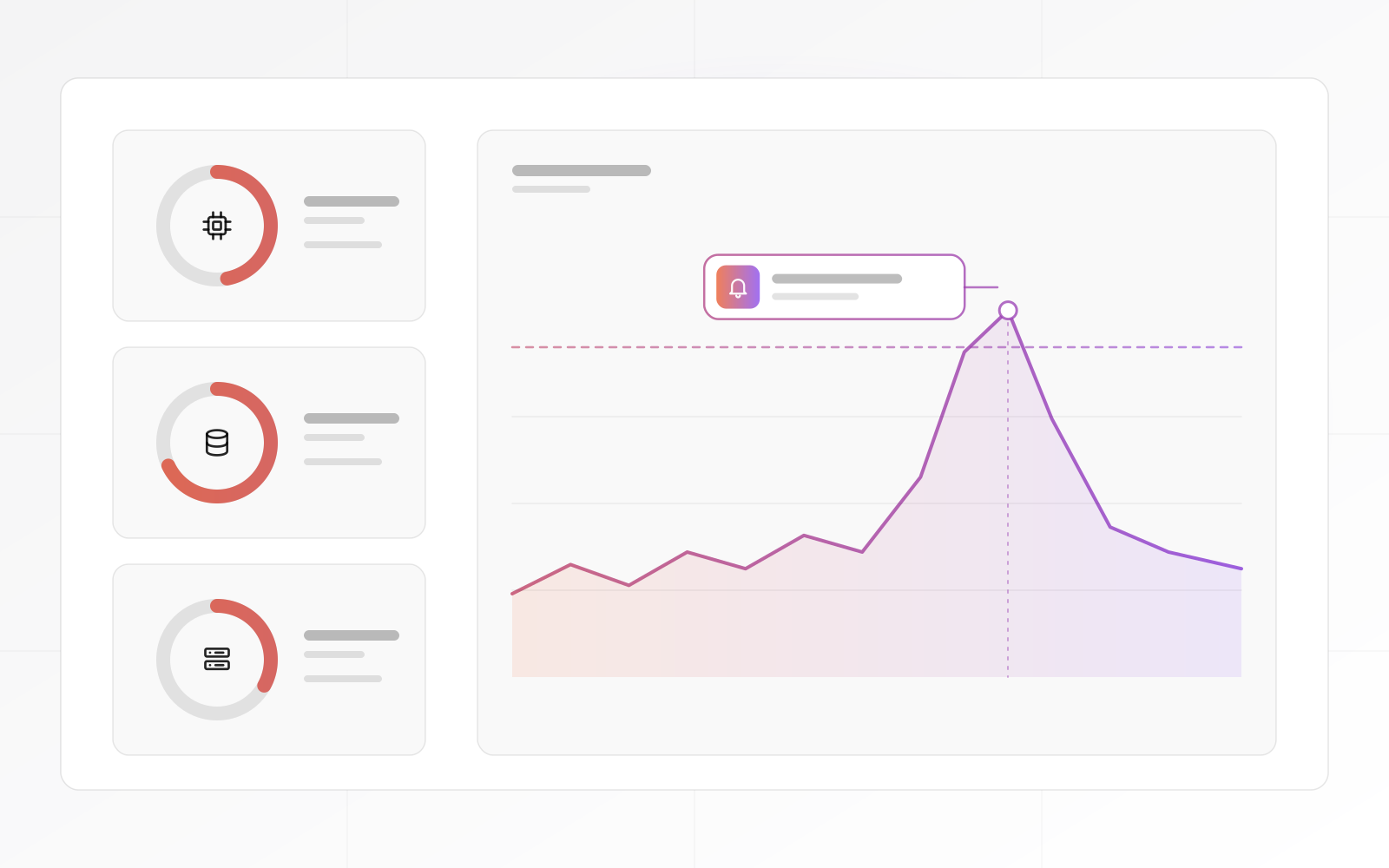
Metrics are watched continuously. When CPU, memory, disk or a certificate crosses a threshold, an alert fires while the site is still running. After each alert we log the cause.
Process
The server management playbook, step by step.
We review the existing server: what is hardened, what runs, what is undocumented and what is exposed.
A minimal Linux base is built to size. Every configuration decision is recorded from the first command.
The layers go on in sequence and are verified before any application is deployed.
Applications are containerised and deployed. The rollback path is confirmed before the old server is retired.
Monitoring is live, the runbook is complete and alerts are configured.
Handover
Each quote lists these items, with a timeline and a payment schedule.
Clients
Compare
Hardened, documented and deployable.
| What matters | Managed Linux | Cloud platform (PaaS) | Unmanaged VPS |
|---|---|---|---|
| Security hardening | Done and verified | Handled by the platform | You do it |
| Runbook documentation | Written for each service | Not applicable | Only if you write it |
| Rollback | Scripted with Docker | Built in | You build it |
| On-premise servers | Supported | No | Yes, on your own |
| Best when | You want it run properly | You want no servers at all | You have a sysadmin |
From owners and IT teams.
Words from clients, as they wrote them:
"As a startup, we needed a reliable partner for our online presence. The web design, programming, and hosting services we received were outstanding. MrZaKaRiA played a crucial role in our success. We couldn’t be happier!"

"We’ve been using MrZaKaRiA hosting services for over a 4 year now, and the uptime is fantastic. Our website loads quickly, and we’ve experienced no downtime. Their customer service is responsive and helpful whenever we have questions."

FAQ
What technical buyers ask about infrastructure work.
It is the ongoing work of keeping a Linux server secure, updated, monitored, backed up and recoverable. That covers setup and hardening, deployments, monitoring, backups, documentation and incident response.
Both. We audit an existing server first: what is exposed, what is running and what is undocumented. Then we harden it and bring it under monitoring. New servers start clean, with security and backups from the first boot.
Yes. Local and cloud servers follow the same standard. Remote monitoring can run through an encrypted tunnel with no open inbound ports, and backups go off-site so one failure cannot take everything.
For each service: what it does, how to check it, how to restart it, what it depends on and how to recover it after a full failure. We update it whenever the configuration changes.
Applications run in containers defined by Compose files in version control. A deploy applies the new version, and a rollback redeploys the previous one. A staging copy mirrors production, so a release is not a guess.
Next step
Book a call. We audit your server or your plan, agree a hardening and documentation scope, then quote it and start within 3 to 5 business days.