Forgotten follow-ups
Every deal gets a next step, an owner and a date, then a reminder when the date arrives.
0
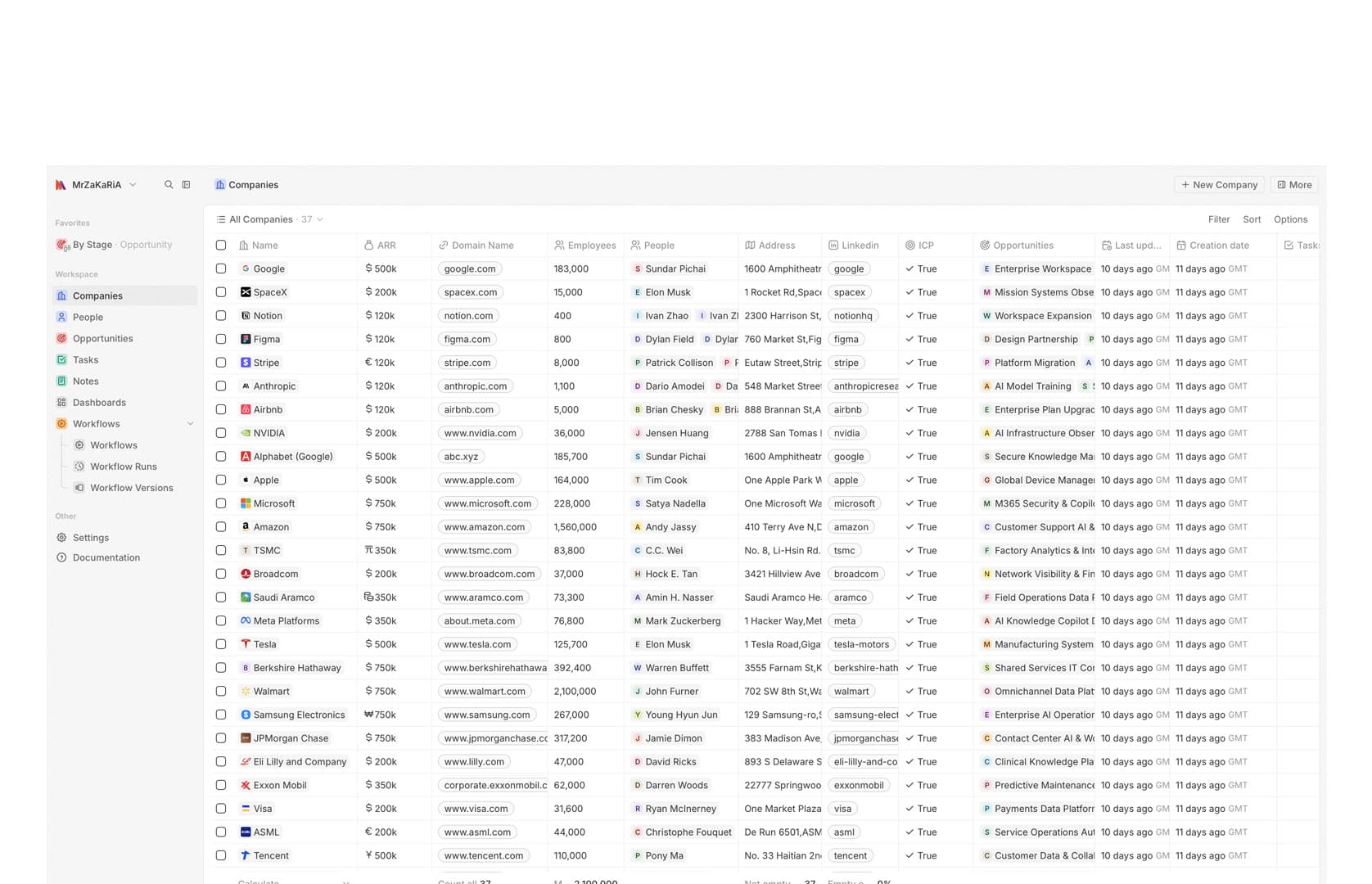
CRM for Small Business
CRM software for small business that stays up to date: a customer database, a deal pipeline, tasks and automatic follow-up reminders. We deploy it as your own system, host it and support it. Your team starts with your sales stages, not a generic template.
The honest take
A CRM only helps if people open it. Small teams rarely fail on features. They fail on friction: too many required fields, manual logging and pipelines that do not match how they sell. Good CRM software for a small business starts small, with contacts, companies, deals and tasks in your own sales language.
We deploy Enterprise CRM, a private instance of the open-source Twenty CRM, on a server we host, upgrade and back up for you. Email and reminders do the chasing, so follow-up still happens on busy days. For the wider picture, read about custom CRM development.
The honest take
Small teams drop powerful CRMs because they are tedious. We deploy a minimal, fast CRM in your sales language and add depth only after people use it.
Problems solved
Every deal gets a next step, an owner and a date, then a reminder when the date arrives.
Conversations sit on the deal, visible to the whole team, not in one person's mailbox.
Pipeline stages with honest definitions give you numbers you can plan against.
Services
The small-team CRM core.
Contacts and companies with their full history.
Stages that match how you actually sell.
Next actions that do not rely on memory.
Conversations filed to the right deal.
Routing, sequences and clean-up on autopilot.
Pipeline value and win rates, with won deals flowing on to invoices.
Pipeline
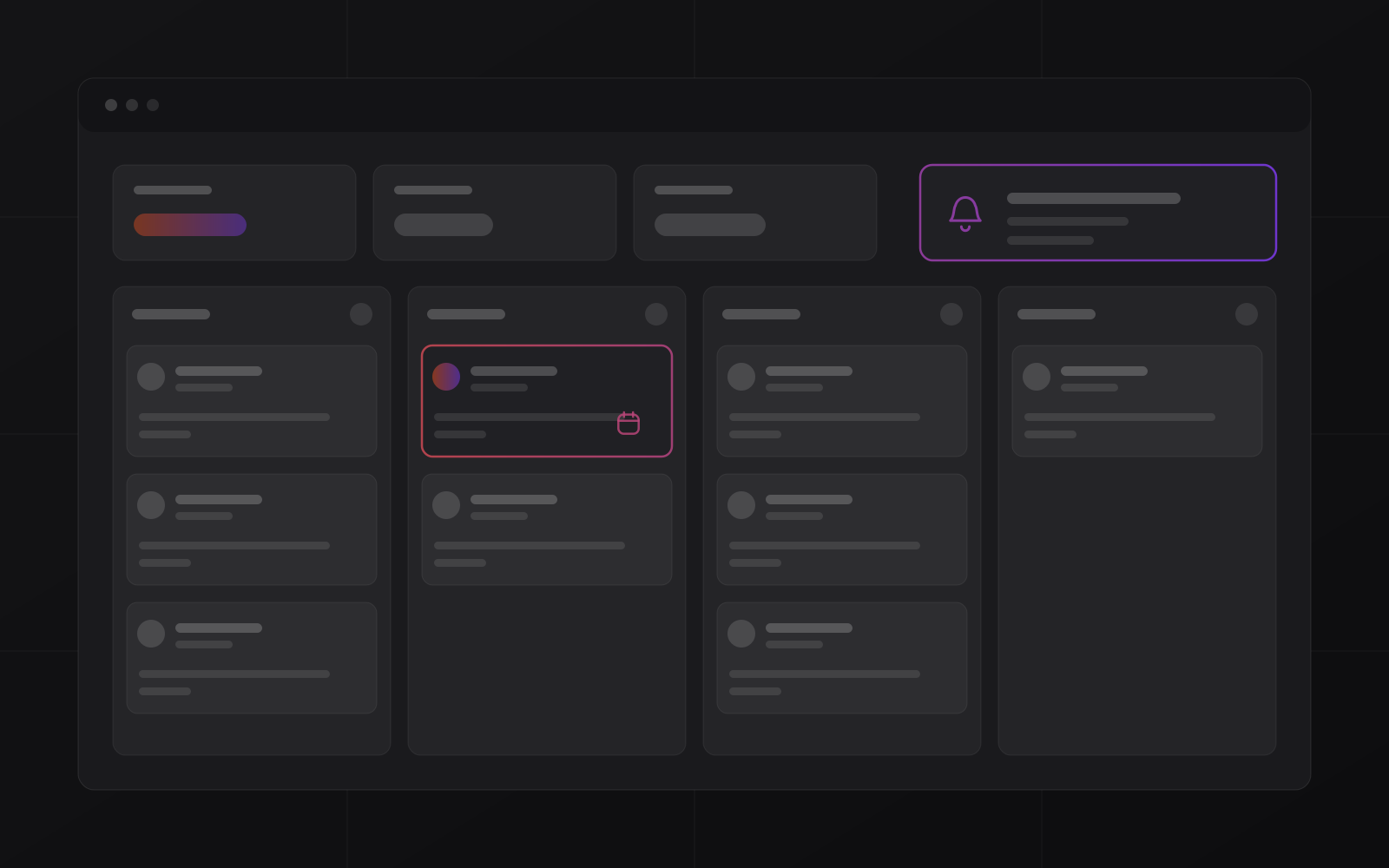
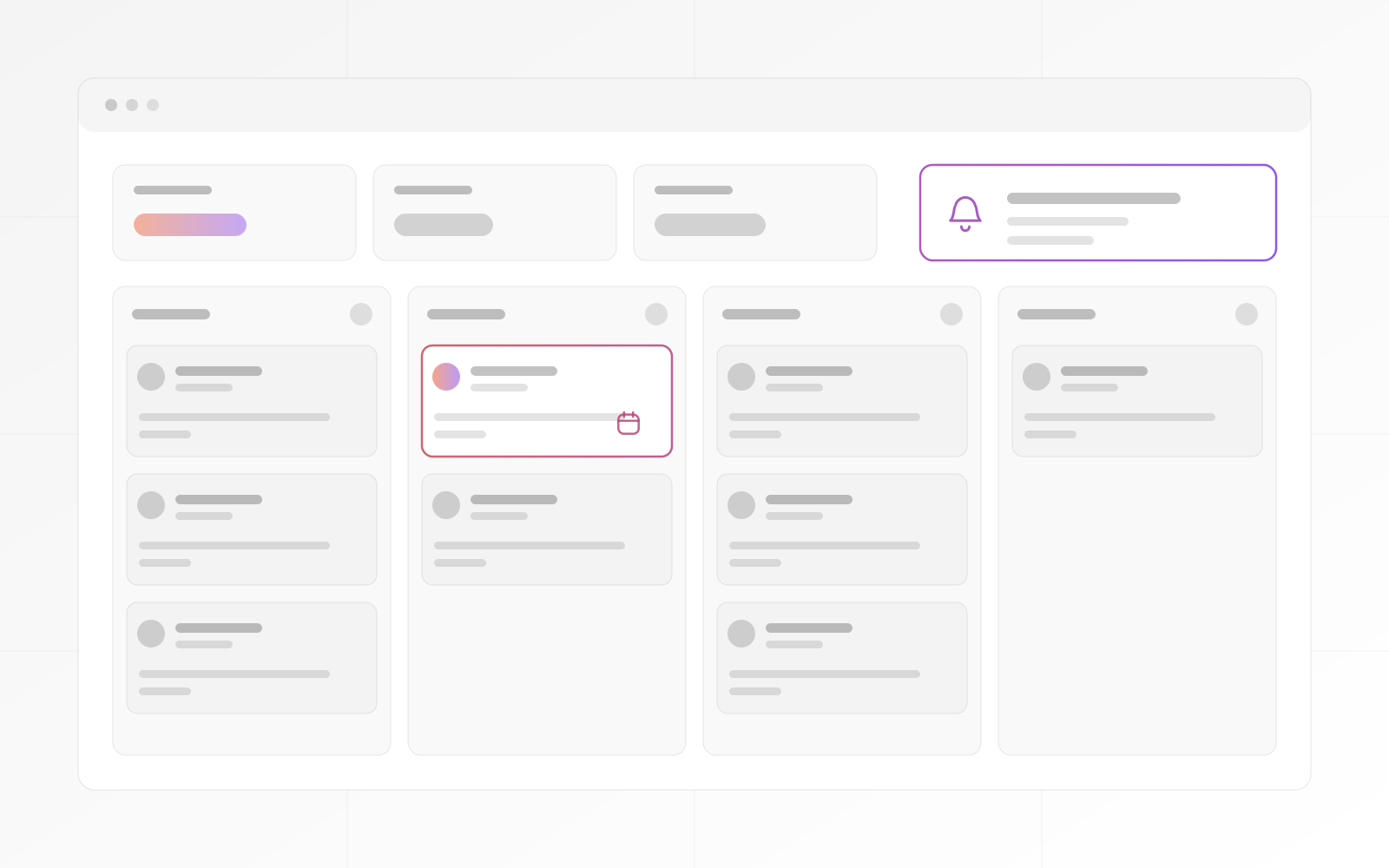
Deals move through stages you define, such as new lead, qualified, proposal and won. Every deal has an owner, a next step and a date, so nothing important lives in an inbox or in someone's memory.
Follow-up
No-code workflows can create a task when a deal reaches a stage, send an email after a delay or call another tool through a webhook. Replies are filed against the deal, so the history stays in one place.
Before you choose
Adoption depends on the answers.
Our clients
Pricing
Import, stages, email connection and training are agreed before work starts. The quote follows a short discovery call. See how quoting works.
Hosting, backups, upgrades and support under one monthly invoice, so the cost stays predictable.
We install, configure and run the CRM, so one team answers for the software, the server and the support.
Proof
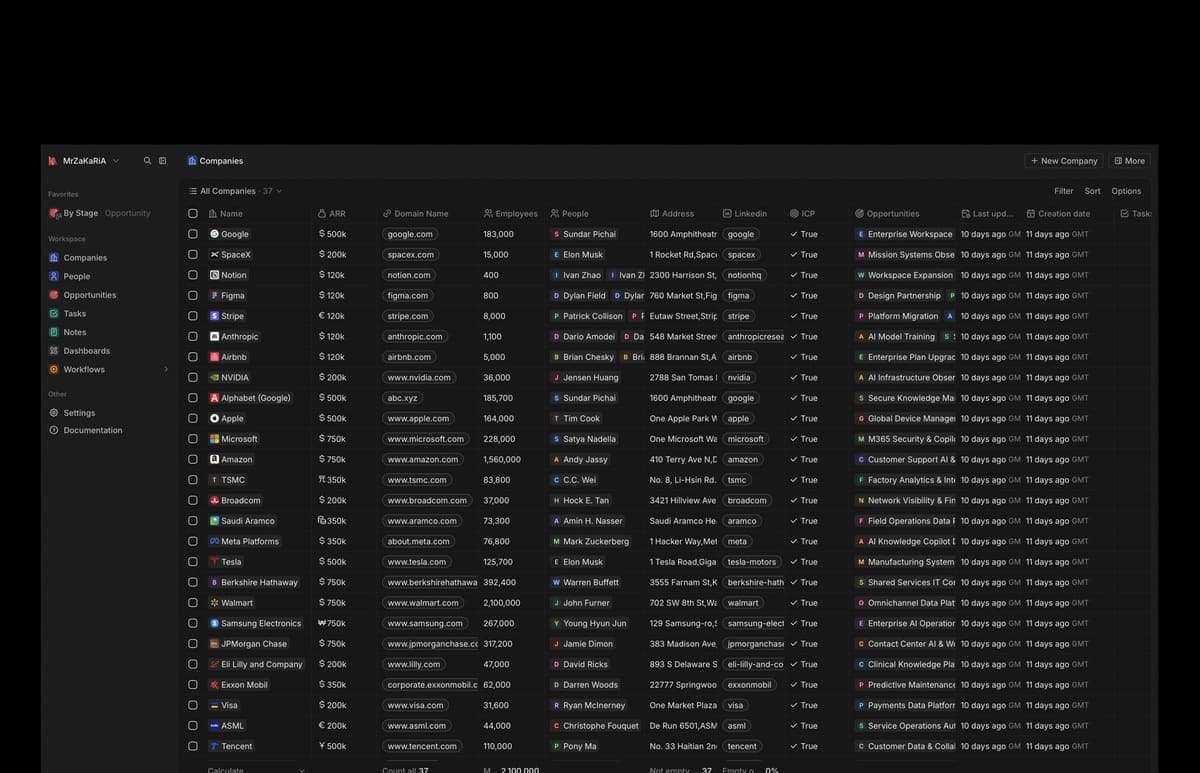
These are systems MrZaKaRiA set up, hosts and still operates. Hover a card to explore the platform.
Compare
A CRM of your own, a rented SaaS seat and a spreadsheet.
| What matters | Your own CRM | Rented SaaS CRM | Spreadsheet |
|---|---|---|---|
| Cost as the team grows | A monthly engagement, no per-seat fee from us | Usually priced per user per month | Free, but it costs time |
| Who holds the data | You, in your own database | The vendor, in its cloud | You, in a file |
| Stages and fields | Built around your sales process | Configurable within the vendor's limits | Anything, but nothing is enforced |
| Follow-up reminders | No-code workflows | Usually included | Manual |
| Email filed to the deal | Mailbox connection (IMAP, SMTP) | Usually included | Not available |
FAQ
What small-team leaders ask before they choose.
A clear pipeline, quick data entry, email that files itself and follow-up automation. Adoption beats feature lists: a powerful CRM nobody opens is worth nothing.
You get your own deployment of an open-source CRM. Your data sits in your own database, the monthly cost does not rise with every seat, and the team that runs the server also supports you. The trade-off is that we configure it with you instead of you signing up alone.
Typically within days: import contacts, define the stages, connect email and train people on real deals. The first week should end with a living pipeline, not an empty database.
Yes. No-code workflows can create tasks, send emails after a delay, call other tools by webhook and ask an AI agent to run a step. Deeper flows pair with our business automation service.
No. We install the CRM on a server, secure it with HTTPS, back it up and handle upgrades. Your team just uses it.
A setup phase, scoped up front, plus a simple monthly engagement for hosting, backups and support. Custom CRM projects start at $10,000, with a fixed price and milestones. We scope it, quote it and start within 3 to 5 business days.
Demo
Your stages, your fields and a realistic lead-to-close flow, live in one call.