Small sales teams
Two to twenty salespeople who need shared pipeline visibility and clean handovers.
0
Custom CRM development
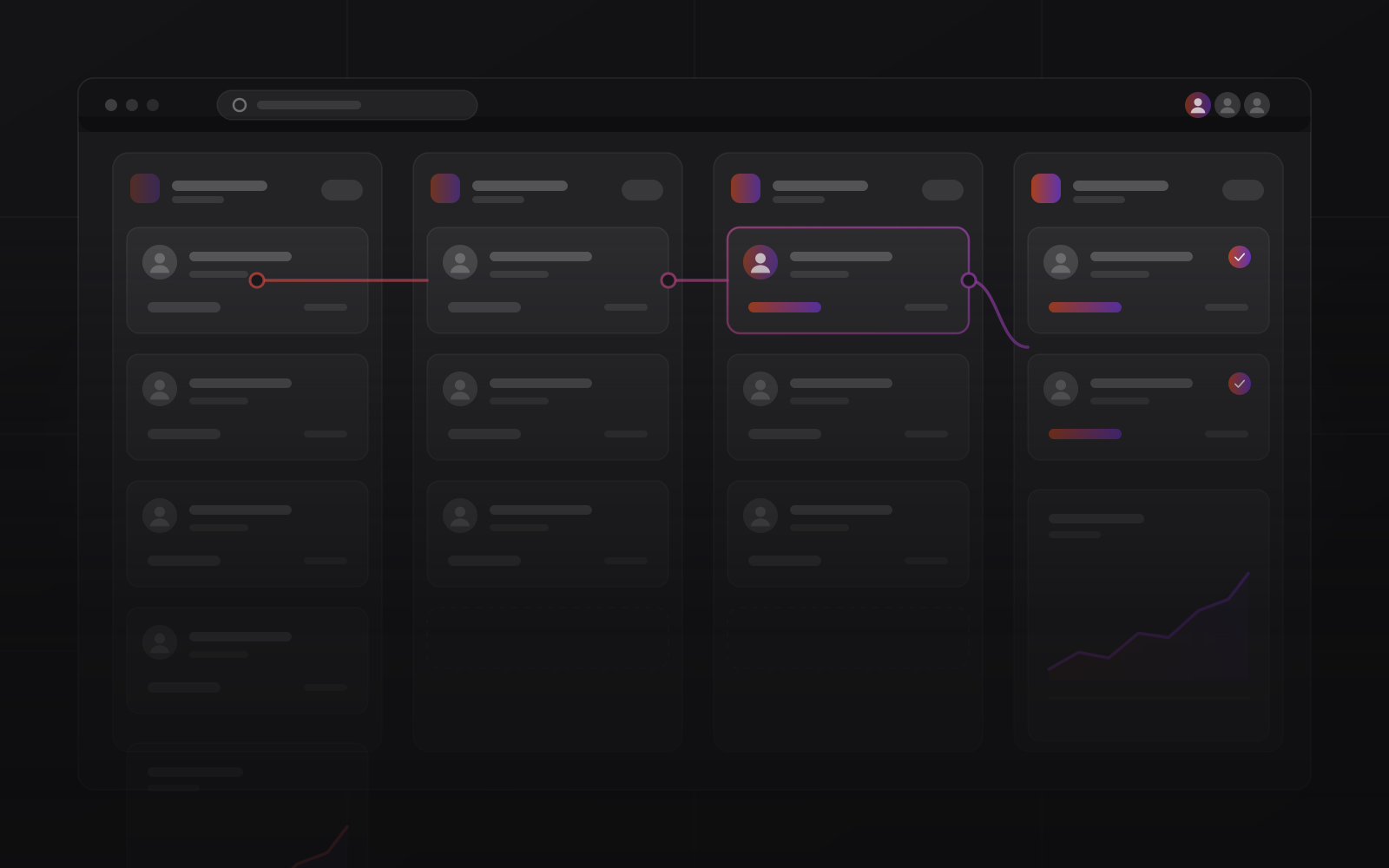
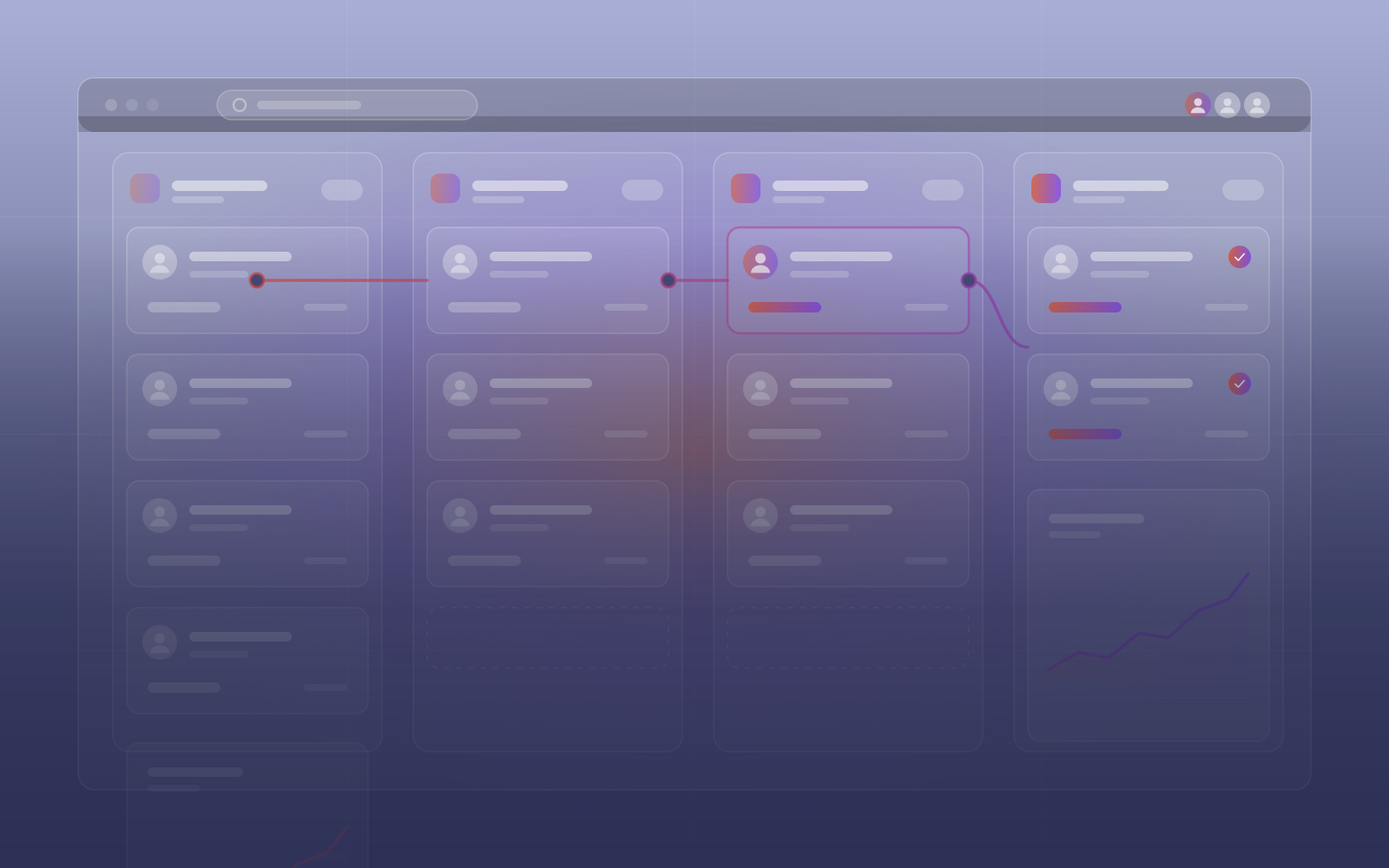
Custom CRM development for small and mid-size sales teams: contacts, deals, tasks and follow-ups in one pipeline that matches your process. We design, build, host and support it remotely from Casablanca, or set up a ready CRM when that fits better.
Stages, fields and rules follow how your team really sells.
Every record sits in a database you control, with export built in.
We charge for the build and the running, never per user.
Why teams adopt it
A powerful CRM nobody opens is worse than a plain one the team uses daily. We start with the smallest version that fits your pipeline, then add what your team asks for.
The short version
Most small sales teams track deals across a spreadsheet, a shared inbox and memory. Follow-ups slip and nobody trusts the forecast. Custom CRM development replaces that with one pipeline the whole team works in.
We start from your real sales process: the stages a deal passes through, the fields you need and the rules that trigger a follow-up. Then we build it, import your contacts and train the team on their own deals.
Two routes exist. A custom build, typically Laravel with PostgreSQL or MySQL and a Vue or Next.js front end, suits unusual processes. A ready CRM, Enterprise CRM, is Twenty, an open-source CRM that we install, host and back up for you. We tell you which one fits.
Want the books connected? A CRM can hand won deals to custom ERP development, so a signed quote becomes an invoice without retyping.
Who it is for
Two to twenty salespeople who need shared pipeline visibility and clean handovers.
Agencies, studios and consultancies tracking leads from first contact to signed contract.
Callback queues, statuses and activity reporting for high-volume contact work.
Services
From first contact to closed deal, with automation doing the chasing.
People, companies and deals, with the stages your team uses.
What a small team needs from a CRM, and what can wait.
Lead routing, reminders and sequences that run on their own.
Won deals flow into quotes, invoices and stock.
Drafts and answers from your own records, with the model you choose.
Our French-language CRM page for sales teams in Morocco.
Your model
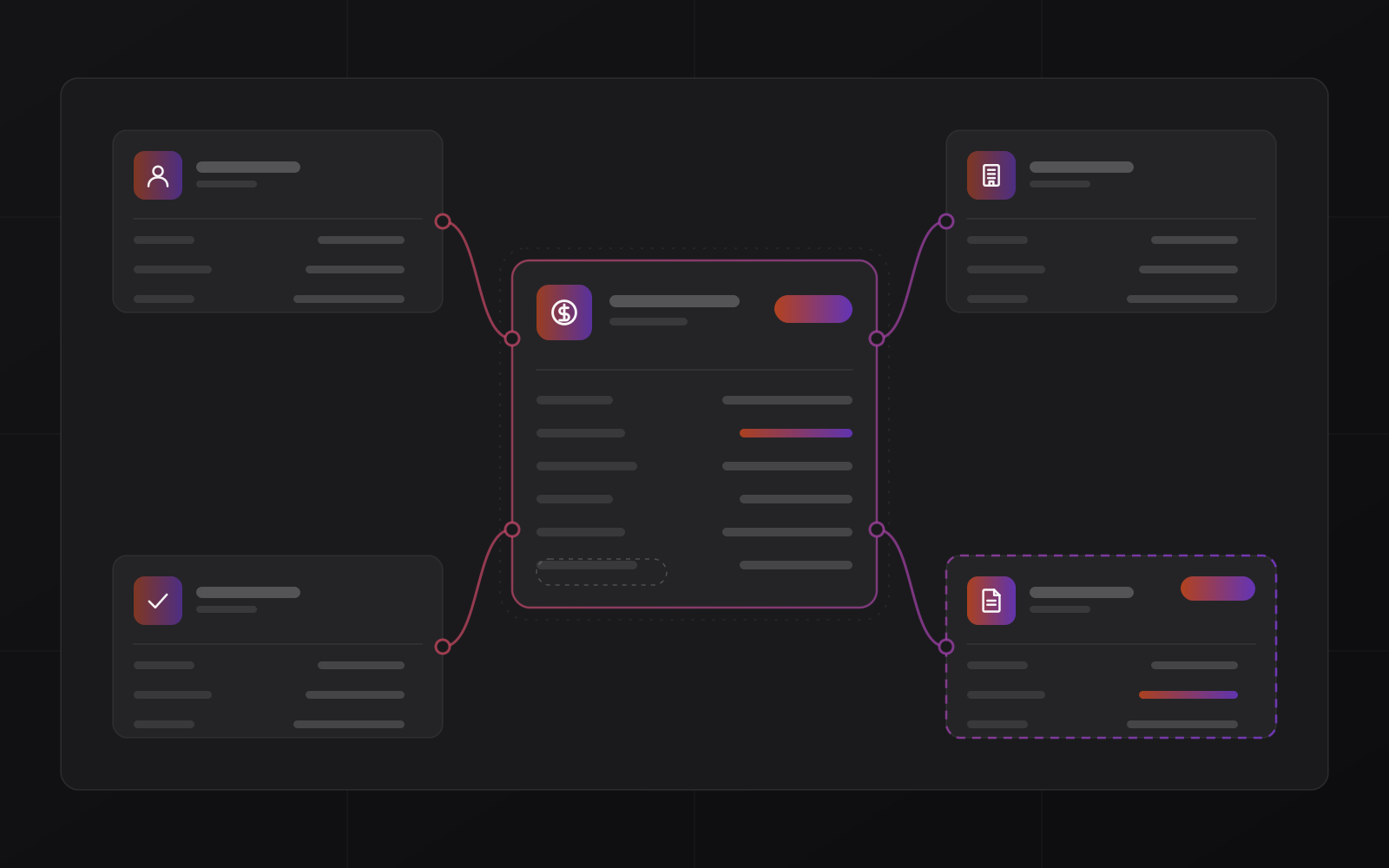
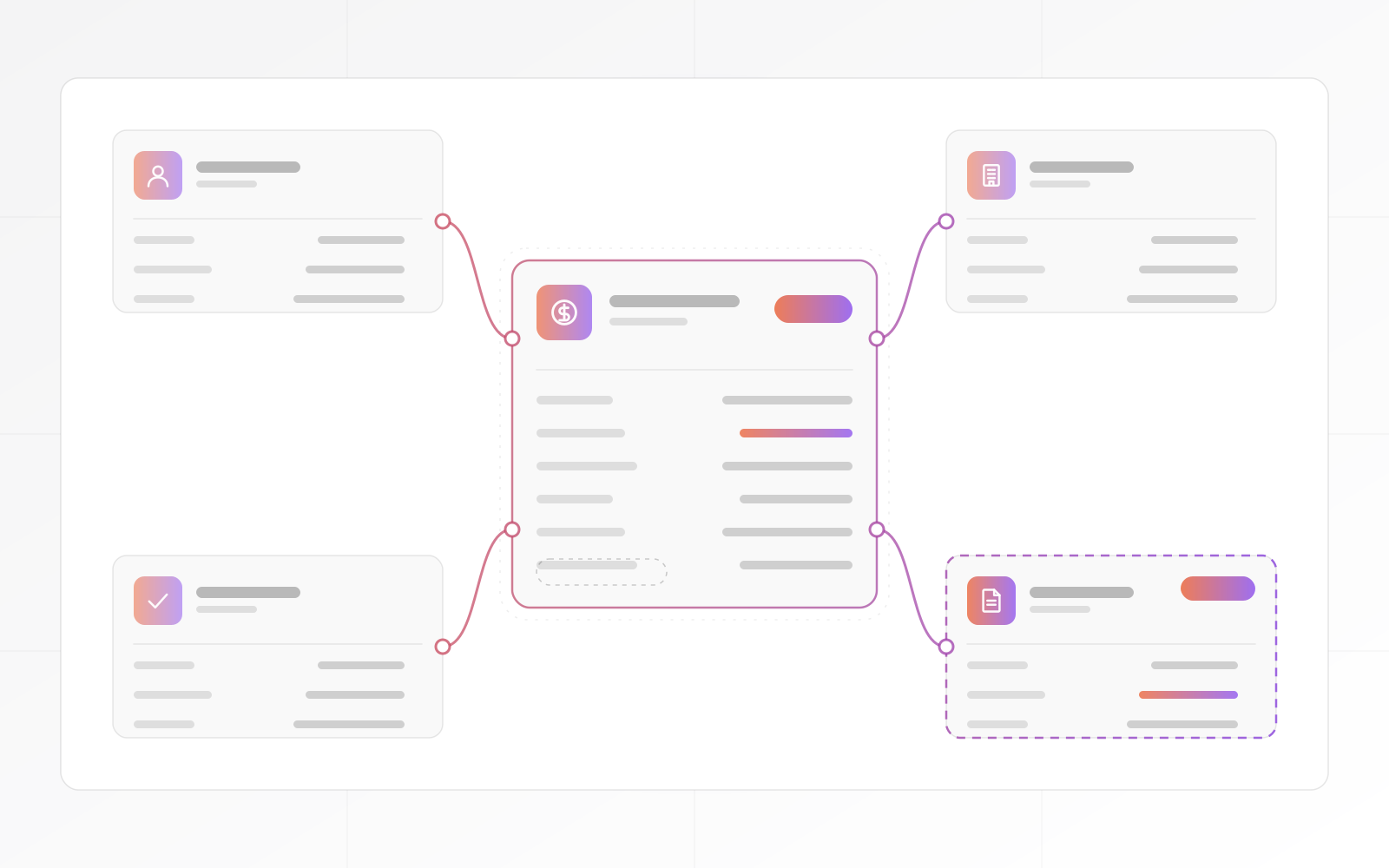
Most CRMs make you rename your process to fit their fields. We do it the other way round. Deals, people and companies are the start. Projects, sites or contracts join them when your business needs them.
Follow-up
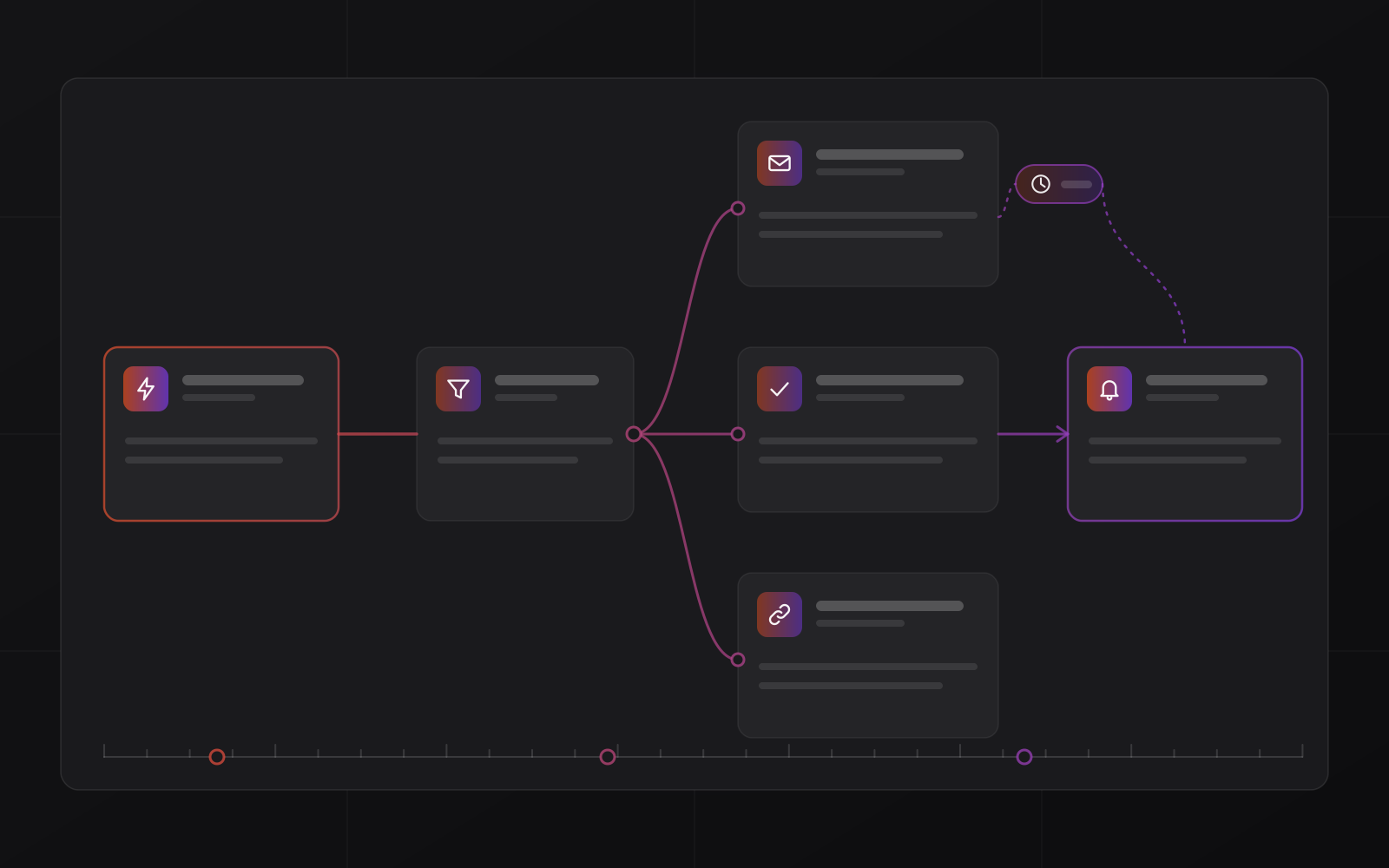
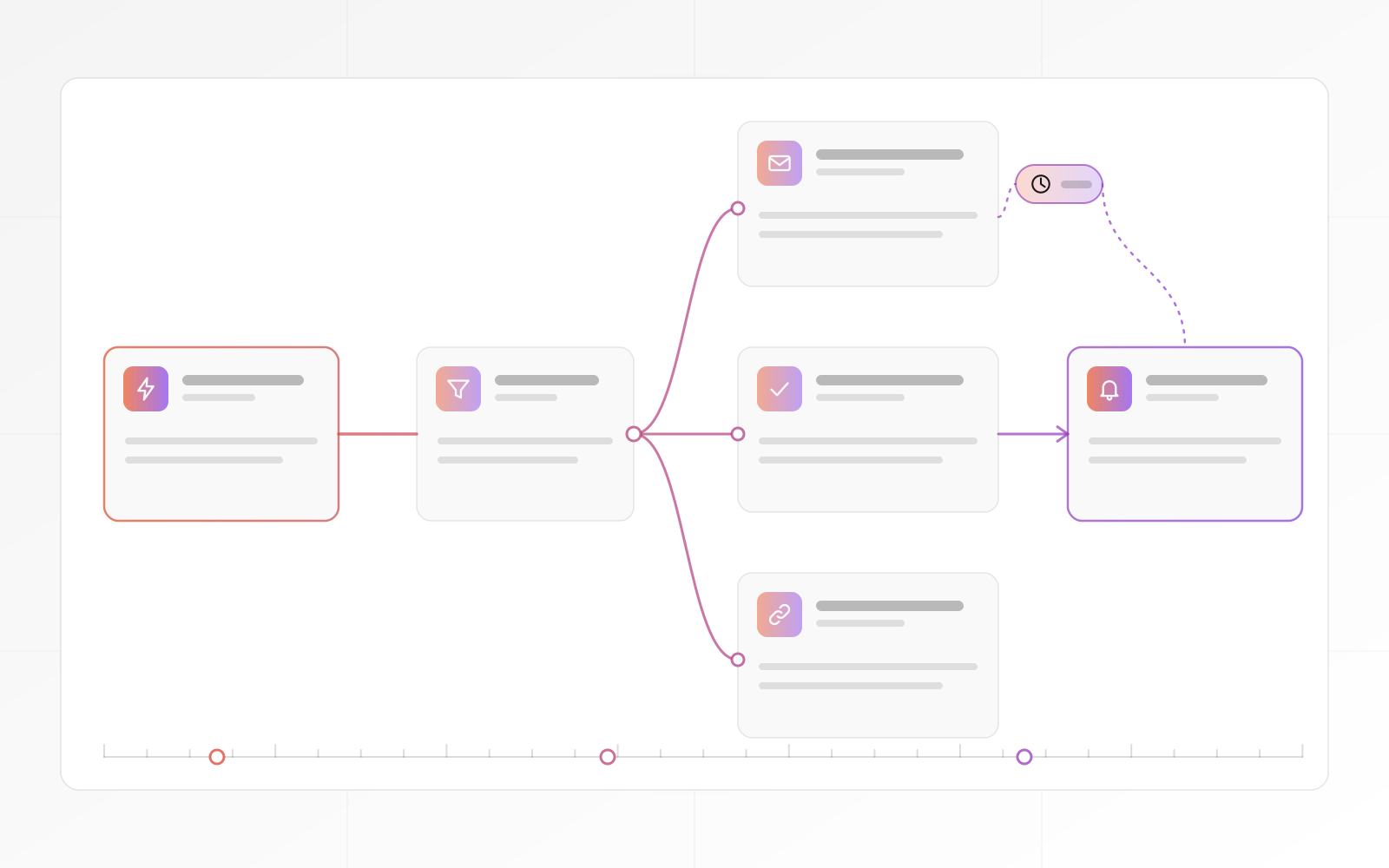
A new lead starts a sequence: assign an owner, send a first email, set a reminder, escalate if nobody replies. A workflow can call any system that offers an API or a webhook.
Process
A staged plan that gets the team working in the CRM before the project ends.
We write down your stages, fields, roles and handovers before any code.
Contacts, companies and open deals come across, checked for duplicates.
Pipeline, views and rules are built in short cycles, with working software to review.
Email and your other systems are linked, so replies file themselves.
Your team works on its own deals, not on a demo.
We host and support it, or hand it to your own team.
Handover
Every quote lists these items line by line, with a timeline and a payment schedule.
CRM products
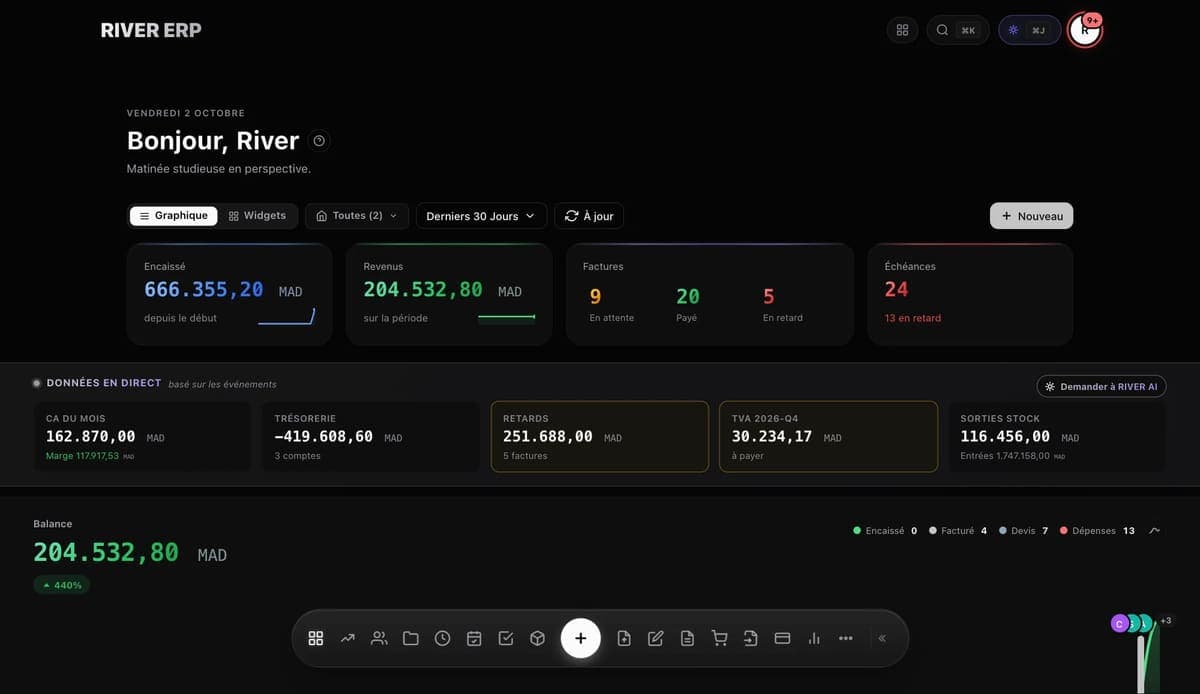
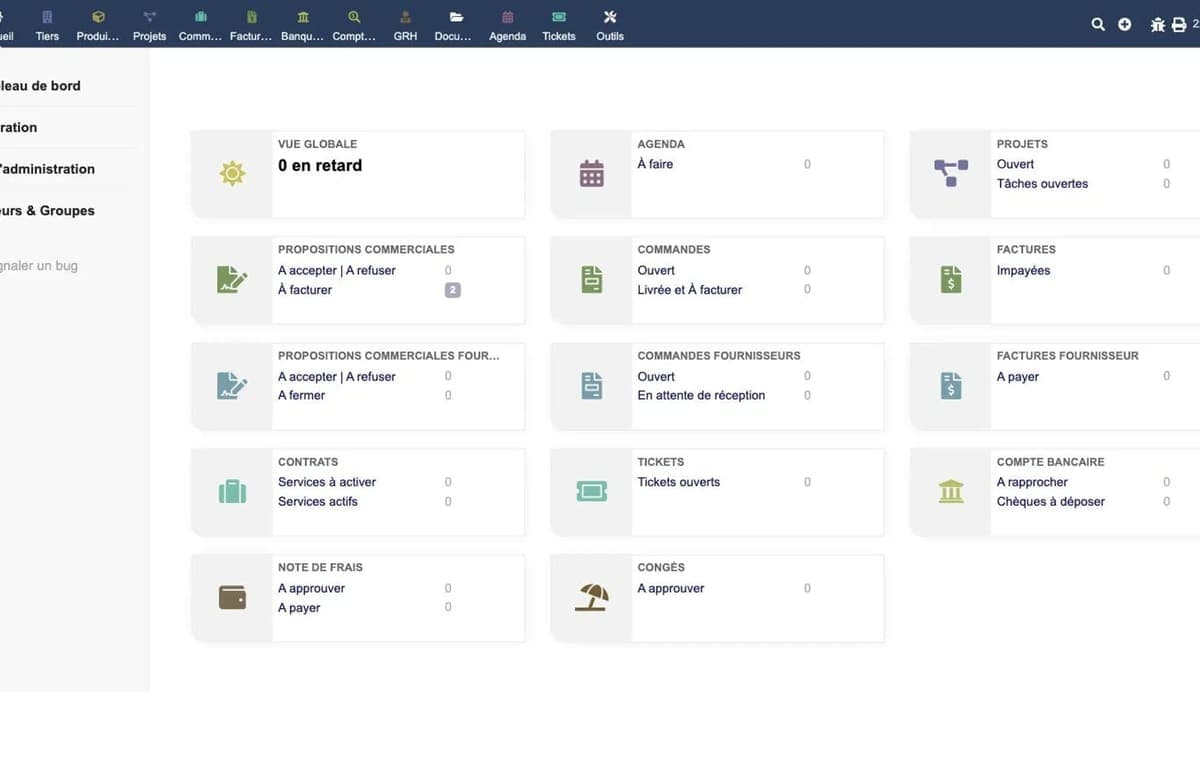
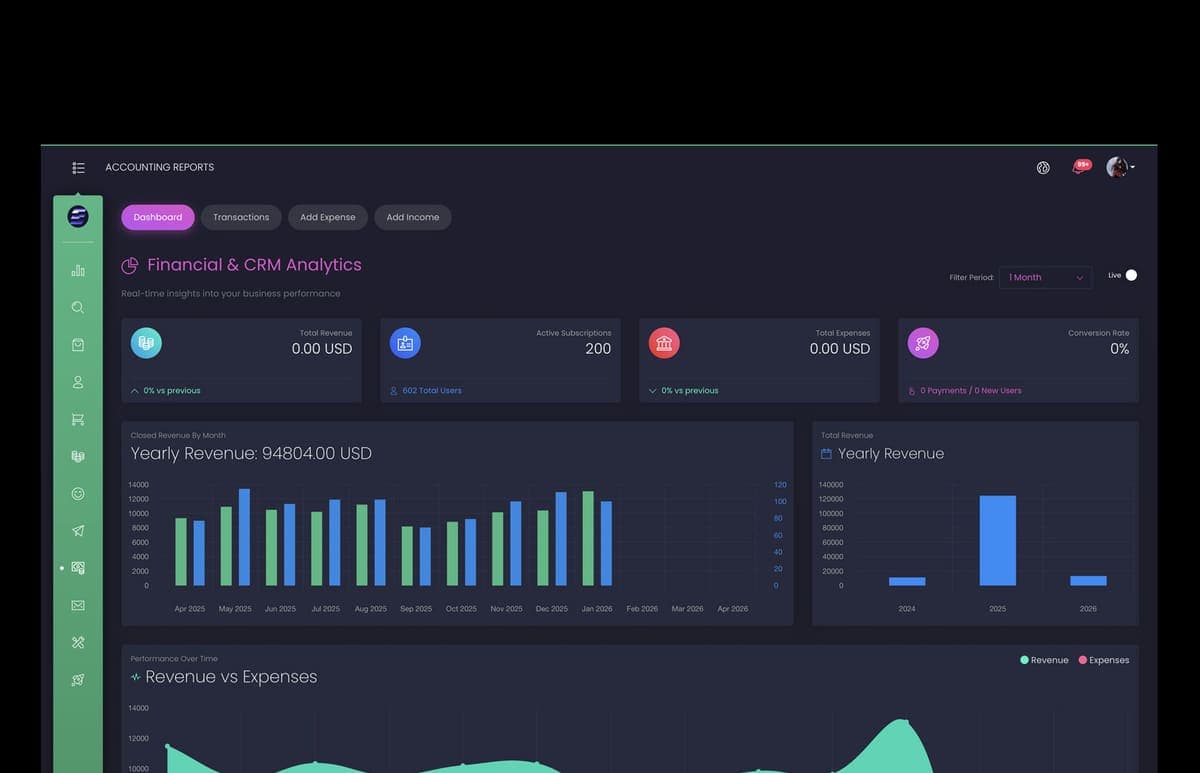
If one of these fits, you do not need a custom build. If none does, we build from scratch.
Compare
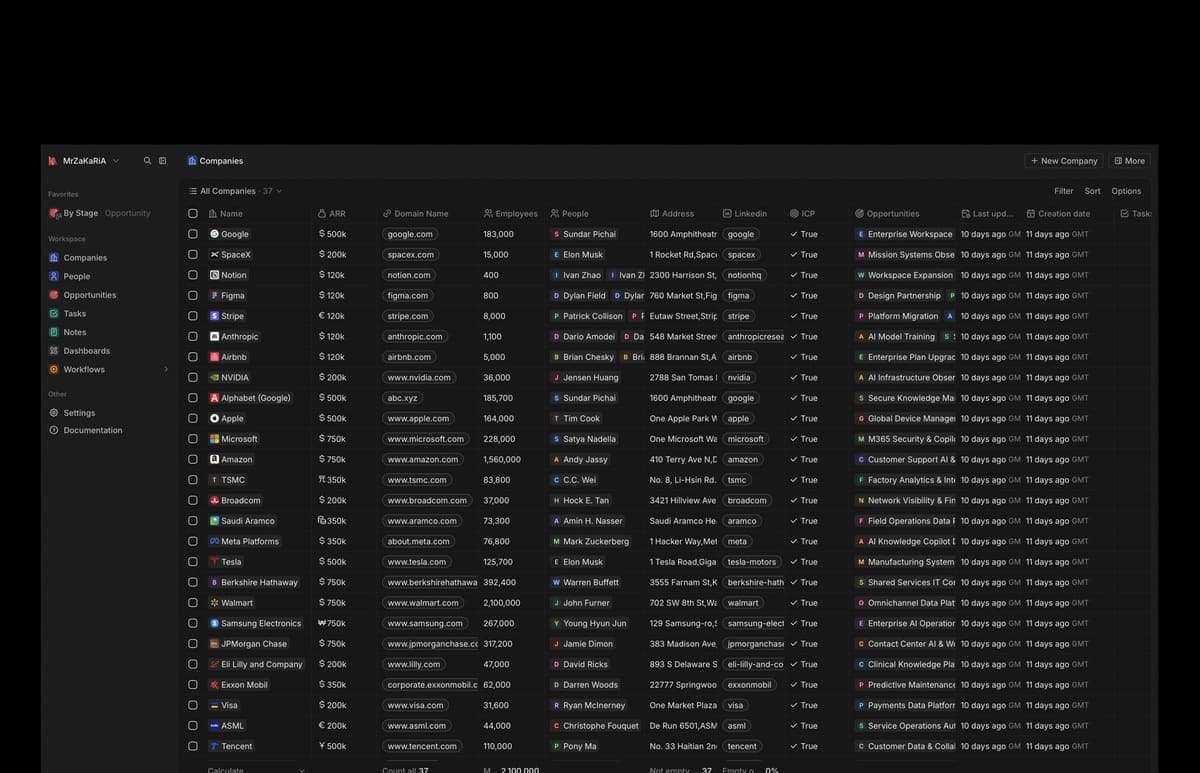
Enterprise CRM is Twenty, run for you by us. SaaS means a vendor's cloud CRM, usually charged per user.
| What matters | Custom build | Enterprise CRM | SaaS CRM |
|---|---|---|---|
| Unusual sales process | Built around it | Within Twenty's features | Within the vendor's limits |
| Where the data lives | Your database | Your PostgreSQL database | The vendor's cloud |
| Per-seat licence | None from us | None from us | Usually yes |
| Integrations | Built to order | API, webhooks, workflows | Large app marketplaces |
| Best when | Your process is your edge | A proven open-source CRM fits | You want no server to run |
CRM that gets used.
Words from clients, as they wrote them:
"MrZaKaRiA programming services are exceptional. They’ve helped us develop robust ERP solution that have streamlined our operations. Their team is knowledgeable, efficient, and a pleasure to work with."
"As a startup, we needed a reliable partner for our online presence. The web design, programming, and hosting services we received were outstanding. MrZaKaRiA played a crucial role in our success. We couldn’t be happier!"

FAQ
What sales leaders ask before they commit.
It depends on scope. Custom CRM projects start at $10,000, scoped up front with a fixed price and milestones. The quote is itemised, with a timeline and a payment schedule. We scope it, quote it and start within 3 to 5 business days.
Choose Enterprise CRM when Twenty's features fit your process, because the platform already exists. Choose a custom build when your process is unusual or the CRM must live inside your own system. Choose a SaaS seat when you want no server and accept per-user fees.
Email connects over IMAP and SMTP, so replies attach to the right deal. A workflow can call any system with an API or webhook, including WhatsApp providers that offer one. Won deals can pass to an ERP we build.
You own your records. They sit in a standard database and export is built in. On a custom build the repository and documentation are yours at handover. Twenty's core is open source under AGPLv3.
They are imported during setup, so the pipeline starts full instead of empty. We check duplicates and missing owners with you before go-live.
Next step
Book a call and describe your pipeline and your busiest month. We will say which route fits, then scope it, quote it and start within 3 to 5 business days.